WHMCS Install - XUI Billing
Learn how to install and configure WHMCS for IPTV services, automate billing, manage clients, integrate payment gateways and connect with IPTV Smarters billing modules.
⭐ WHMCS Complete Installation Guide for IPTV Providers
WHMCS is a powerful billing and automation system used for managing clients, subscriptions and digital services. It handles user accounts, invoicing, recurring payments, product delivery, licensing systems and complete API integrations.
In the IPTV industry WHMCS is the most widely used billing platform because it integrates seamlessly with IPTV Smarters Billing. This allows full automation such as creating users, activating subscriptions, collecting payments, renewing services and suspending accounts.
🔧 What WHMCS Can Do
- Complete client management
- Automated billing for digital services
- Subscription and package management
- Software licensing capabilities
- Integration with payment gateways
- API module development
- IPTV user automation via Smarters Billing
- Automatic account creation and deactivation
You get a full professional system capable of running an IPTV business with minimal manual work.
📥 Download WHMCS
Download the WHMCS package:
Extract the archive into the root directory of the domain where you want to install it.
Example:
https://mydomain.com
⚙️ Installation Steps
- Extract all files into your domain root.
- Open the domain in a browser.
- You will see:
Welcome to WHMCS! Click here to begin...
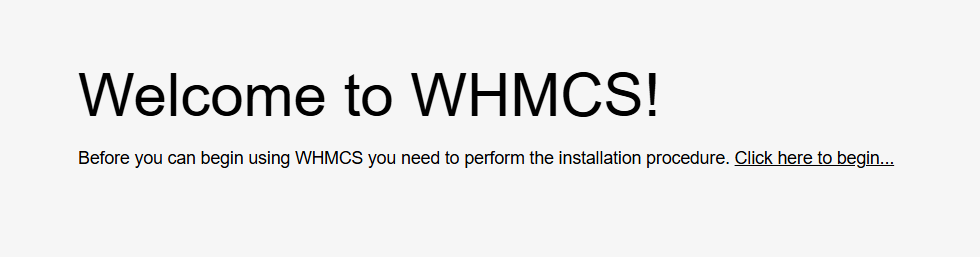
- Start the installer and accept the terms.
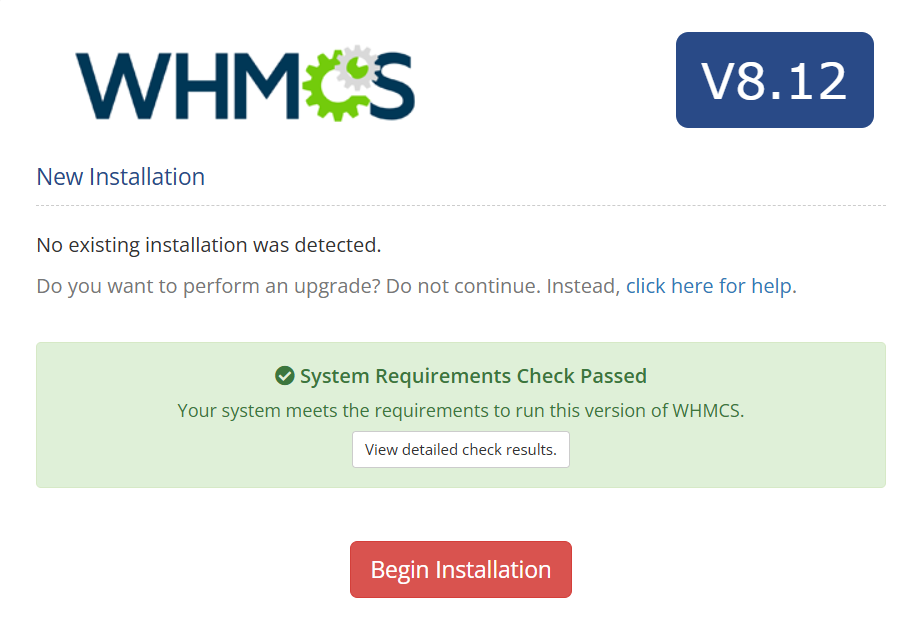
WHMCS will now check your server configuration.
If everything is correct you will see:
System Requirements Check Passed
If not, install the missing dependencies.
🔑 License Key and Database Setup
When asked for a license key you can enter any value for testing.
Example:
WHMCS-LICENSE
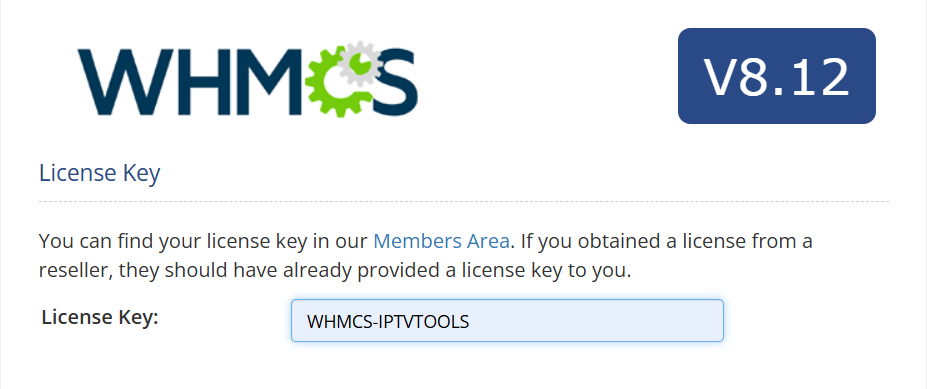
Fill in your database details:
- Database name
- User
- Password
- Host
Click Next and complete the setup.
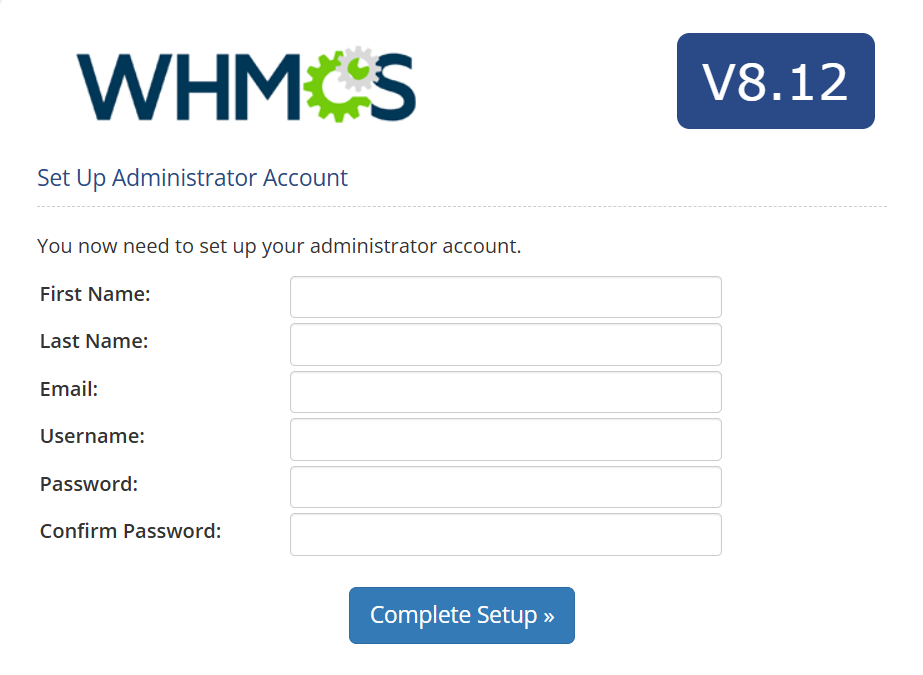
🧭 Initial Configuration
After the setup completes you will see:
Installation Completed Successfully!
WHMCS now recommends several security steps.
1. Delete the install folder
Remove the /install/ directory from your server.
2. Secure writable directories
Move writable folders outside the public web root.
3. Set up the cron job
Use this recommended cron command:
/usr/bin/php -q /home/mydomain.com/whmcs/crons/cron.php
Run it every five minutes.
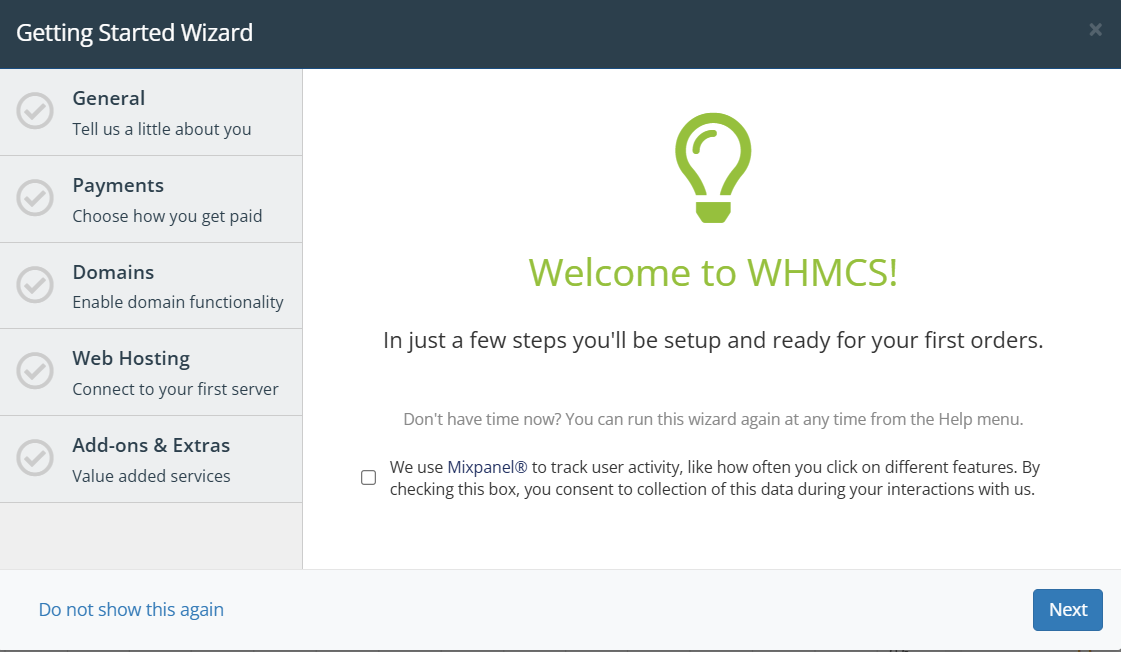
4. Configure WHMCS
Login and follow the initial wizard to configure:
- Company details
- Currency
- Languages
- Payment gateways
- Product packages
You now have a fully operational WHMCS installation.
🎯 Summary
WHMCS is a complete billing and automation system ideal for IPTV operations. It manages payments, subscriptions, account provisioning and integrates with IPTV Smarters Billing for full automation. Configure it once and enjoy a powerful system that supports your entire IPTV platform.