Admin API & HMAC Authentication
Full guide to XUI.one Admin API, available endpoints, HMAC authentication and setup instructions for secure IPTV automation.
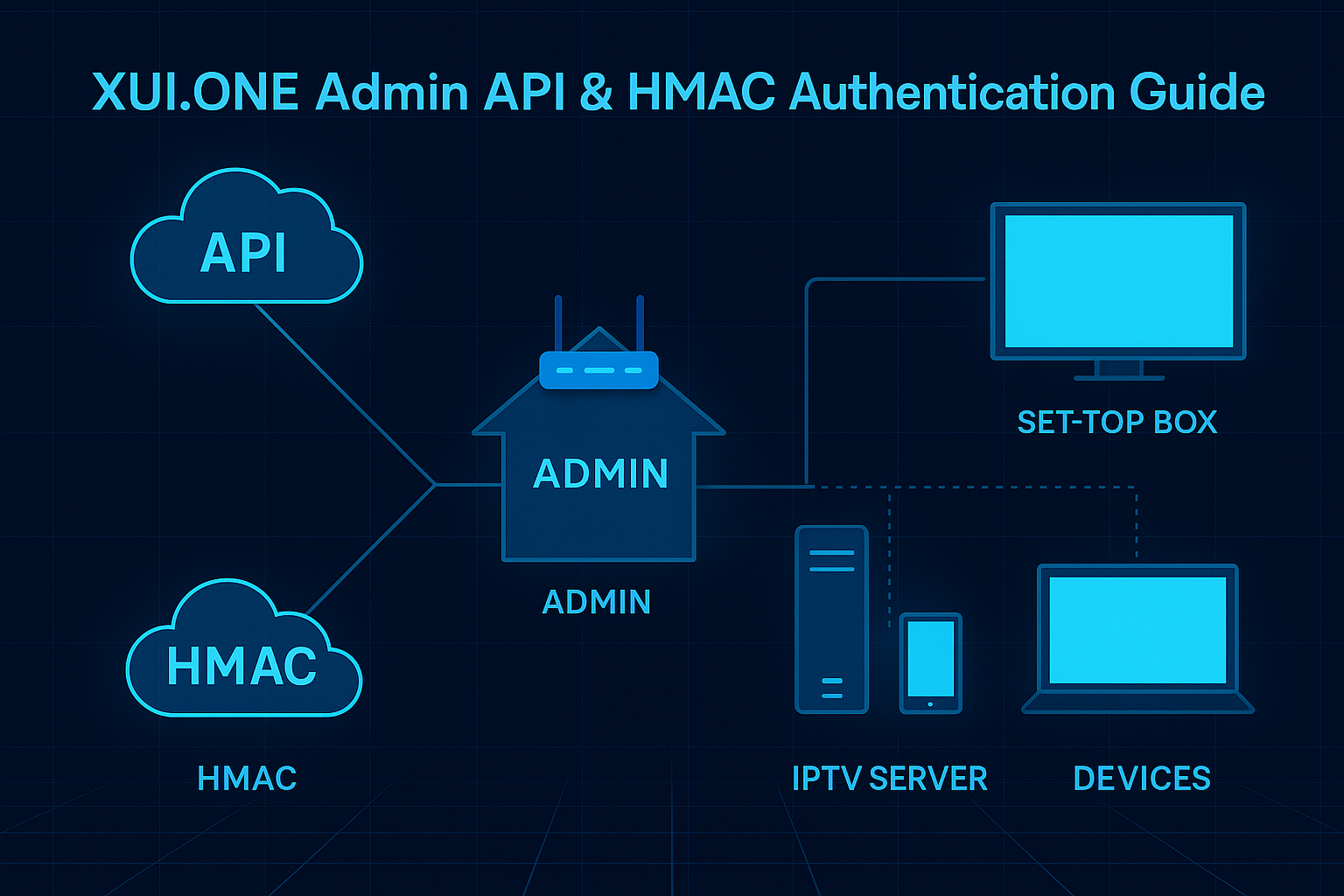
🔐 XUI.ONE Admin API & HMAC Authentication Guide
This guide explains how to use the XUI.ONE Admin API, how to enable access codes, how to authenticate requests using HMAC and how to interact with every available endpoint.
📌 Enabling the Admin API
To enable Admin API usage:
- Open Management > Access Control > Access Codes.
- Create a new access code.
- Set Access Type to Admin API.
- Assign it to the Administrators group.
- (Optional) Restrict usage by IP.
- Generate your API Key in your admin profile.
Your endpoints will follow this format:
http://yourdomain.com:8000/accesscode/?api_key=YOUR_API_KEY
https://yourdomain.com:9000/accesscode/?api_key=YOUR_API_KEY
Execute actions by adding an action parameter:
https://yourdomain.com:9000/accesscode/?api_key=YOUR_API_KEY&action=desired_action
🧰 Available API Endpoints
🔍 Information Retrieval
- get_users
- get_lines
- get_streams
- get_channels
- get_movies
- get_series_list
- get_episodes
- user_info
- mysql_query
📄 Logs & Events
- activity_logs
- live_connections
- credit_logs
- client_logs
- user_logs
- stream_errors
- watch_output
- system_logs
- login_logs
- restream_logs
- mag_events
👤 User Management
- get_user
- create_user
- edit_user
- delete_user
- disable_user
- enable_user
📶 Line Management
- get_line
- create_line
- edit_line
- delete_line
- disable_line
- enable_line
- ban_line
- unban_line
📺 MAG & Enigma Devices
- get_mag / get_enigma
- create_mag / create_enigma
- edit_mag / edit_enigma
- delete_mag / delete_enigma
- disable_mag / disable_enigma
- enable_mag / enable_enigma
- ban_mag / ban_enigma
- unban_mag / unban_enigma
- convert_mag / convert_enigma
🌐 Access Codes
- get_access_codes
- get_access_code
- create_access_code
- edit_access_code
- delete_access_code
📚 Bouquets
- get_bouquets
- get_bouquet
- create_bouquet
- edit_bouquet
- delete_bouquet
📆 EPG Management
- get_epgs
- get_epg
- create_epg
- edit_epg
- delete_epg
- reload_epg
🔐 HMAC Keys
- get_hmacs
- get_hmac
- create_hmac
- edit_hmac
- delete_hmac
🔐 Implementing HMAC Authentication
HMAC ensures message integrity and confirms that the request comes from a trusted source.
🛠️ Configuration Steps
1. Generate HMAC Key
Use create_hmac to obtain a new key and secret.
2. Client-Side Signature Generation
Concatenate:
- HTTP method
- Request URI
- Timestamp
Generate a SHA-256 HMAC using the shared secret.
Include these headers:
X-API-KEY: your_api_key
X-Signature: generated_hmac_signature
X-Timestamp: current_timestamp
3. Server-Side Verification
The server recomputes the signature using the stored secret. If signatures match, authentication succeeds.
🧪 Example: Fetching User Information
GET https://yourdomain.com:9000/accesscode/?api_key=YOUR_API_KEY&action=get_user&id=USER_ID
Replace YOUR_API_KEY and USER_ID.
⚠️ Important Considerations
- Always use HTTPS.
- Rotate HMAC keys periodically.
- Restrict access by IP when possible.
- Monitor API usage logs.
Following this guide you can authenticate securely and automate your IPTV operations using the XUI.ONE Admin API.