MidnightStreamer PRO 5.9.1 Lifetime
MidnightStreamer PRO 5.9.1 Nulled install, IPTV streaming server setup, OTT streaming software Ubuntu, HLS MPEGTS streaming server, IPTVTOOLS streaming guide
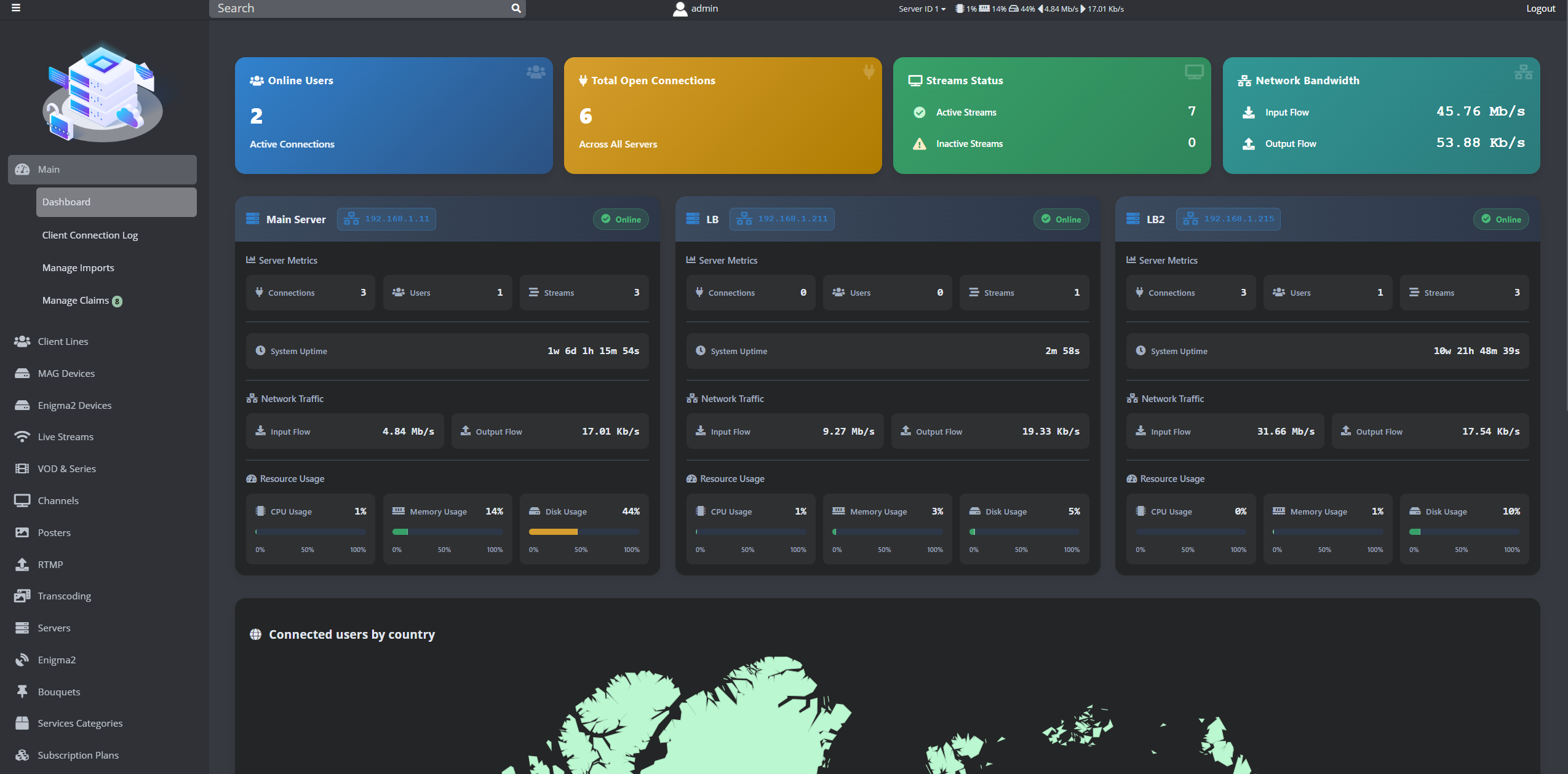
🚀 MidnightStreamer PRO 5.9.1 – Installation Guide on Ubuntu
Install MidnightStreamer PRO 5.9.1 Lifetime on Ubuntu with this complete step by step guide. This tutorial is optimized for high performance IPTV and OTT streaming environments.
🖥️ What is MidnightStreamer PRO Lifetime
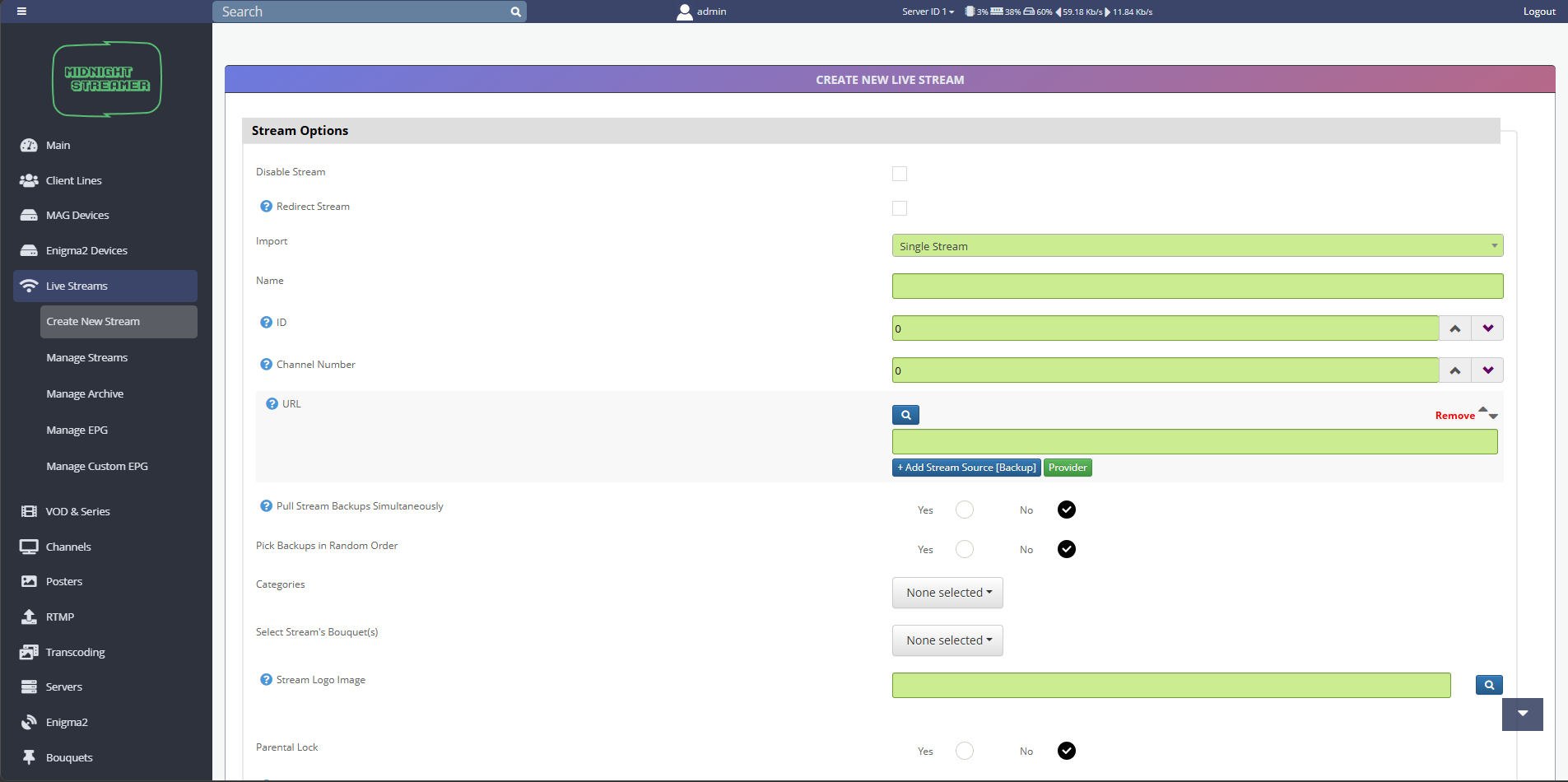
MidnightStreamer PRO is a professional IPTV and OTT streaming software designed for:
- Live stream processing
- Multi format input handling
- High performance output delivery
- Transcoding and remuxing workflows
Supported input formats:
- UDP
- HLS
- MPEG-TS
Supported output formats:
- HLS
- MPEG-TS
- UDP
- SRT
This makes it suitable for scalable streaming infrastructures and advanced delivery pipelines.
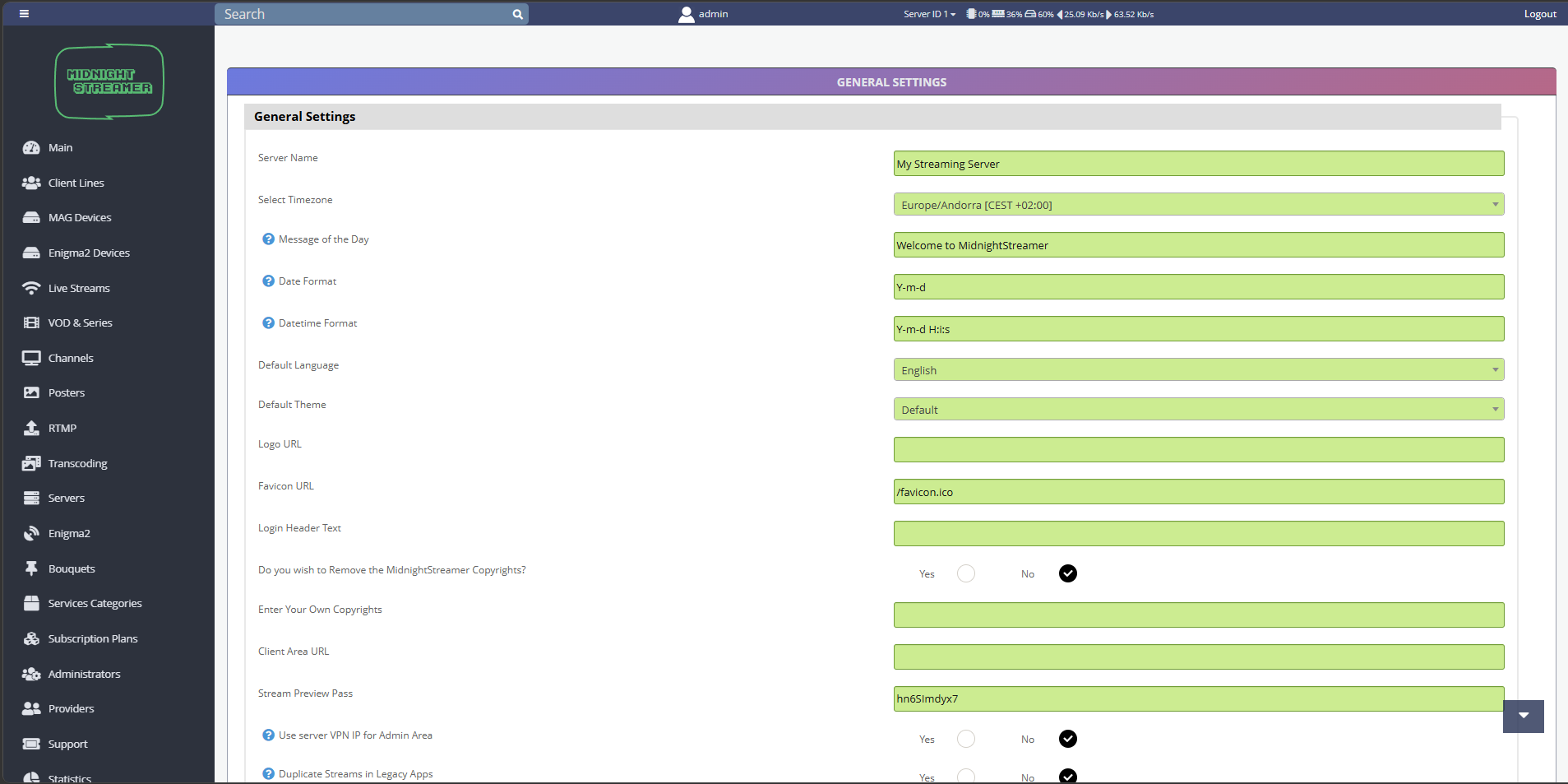
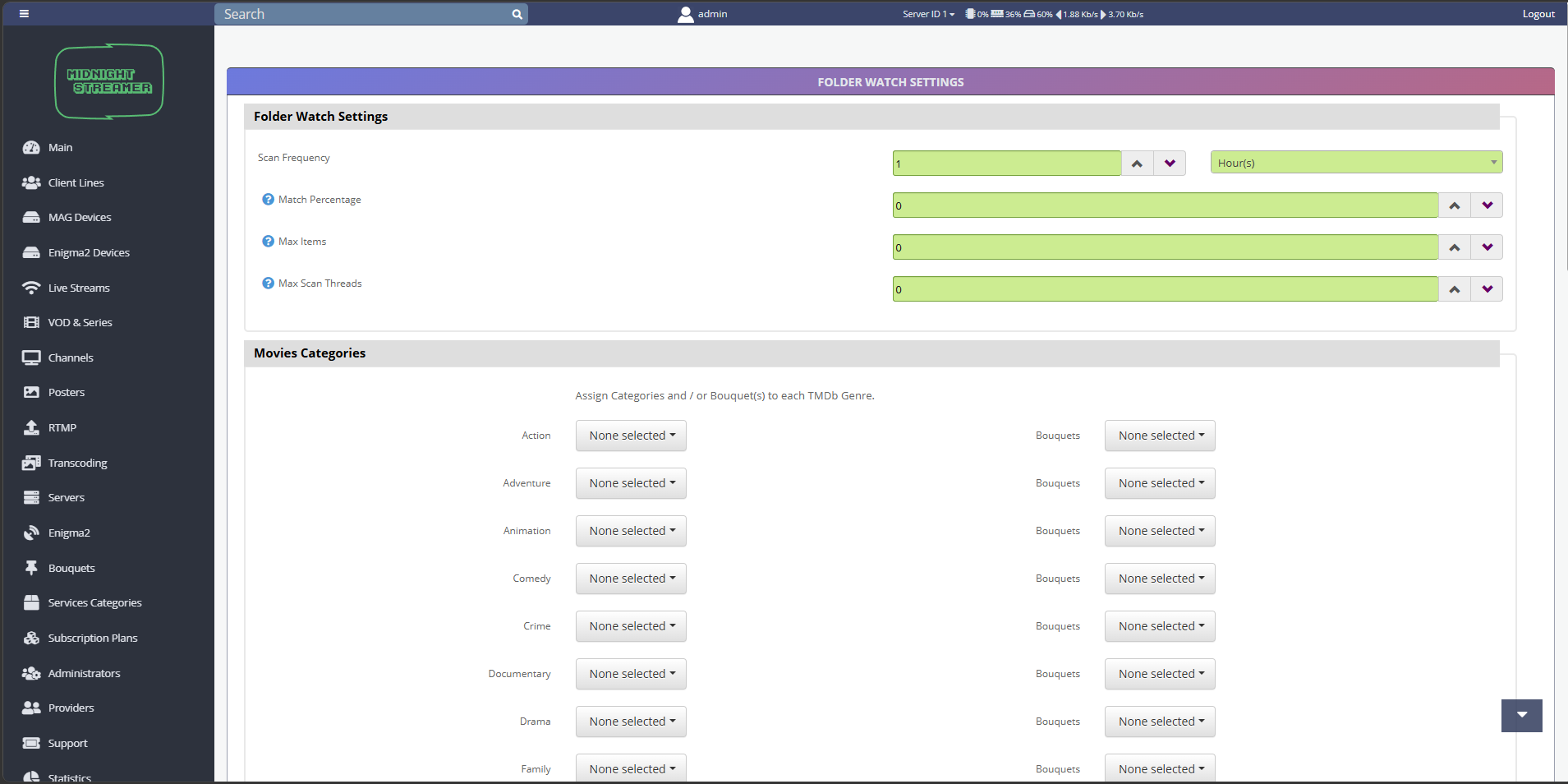
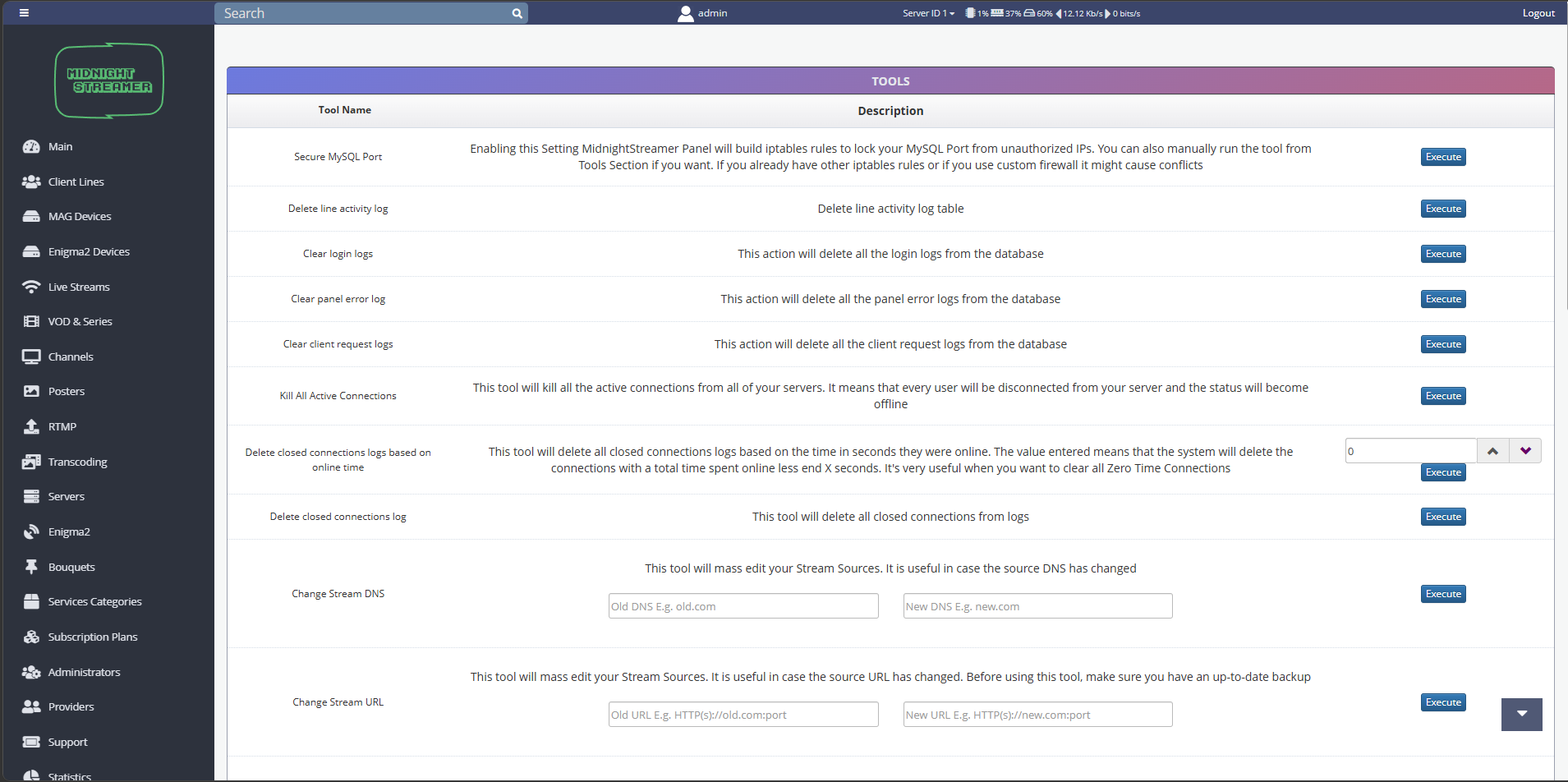
🚀 MidnightStreamer PRO 5.9.1 – Installation Guide on Ubuntu
⚙️ Minimum Recommended Server Configuration
- CPU: 6+ cores (Intel Xeon or AMD Ryzen)
- RAM: 16 GB minimum, 32 GB recommended
- Storage: SSD or NVMe (480 GB+)
- Network: 1 Gbps dedicated port
- OS: Ubuntu (fresh installation recommended)
📦 Step 1 – Download the Package
📂 Step 2 – Extract the Package
unzip MidnightStreamer_v5.9.1_INSTALL.zip -d MidnightStreamer_v5.9.1
📁 Step 3 – Enter Installation Directory
cd /root/MidnightStreamer_v5.9.1/MidnightStreamer_v5.9.1_INSTALL
🔐 Step 4 – Set Permissions
chmod 777 ms_install_offline.sh
▶️ Step 5 – Run the Installer
./ms_install_offline.sh
The installer will automatically configure the environment and deploy the streaming engine.
🔧 Step 6 – Optional Configuration
echo -e "\n127.0.0.1 download.midnightstreamer.com" >> /etc/hosts
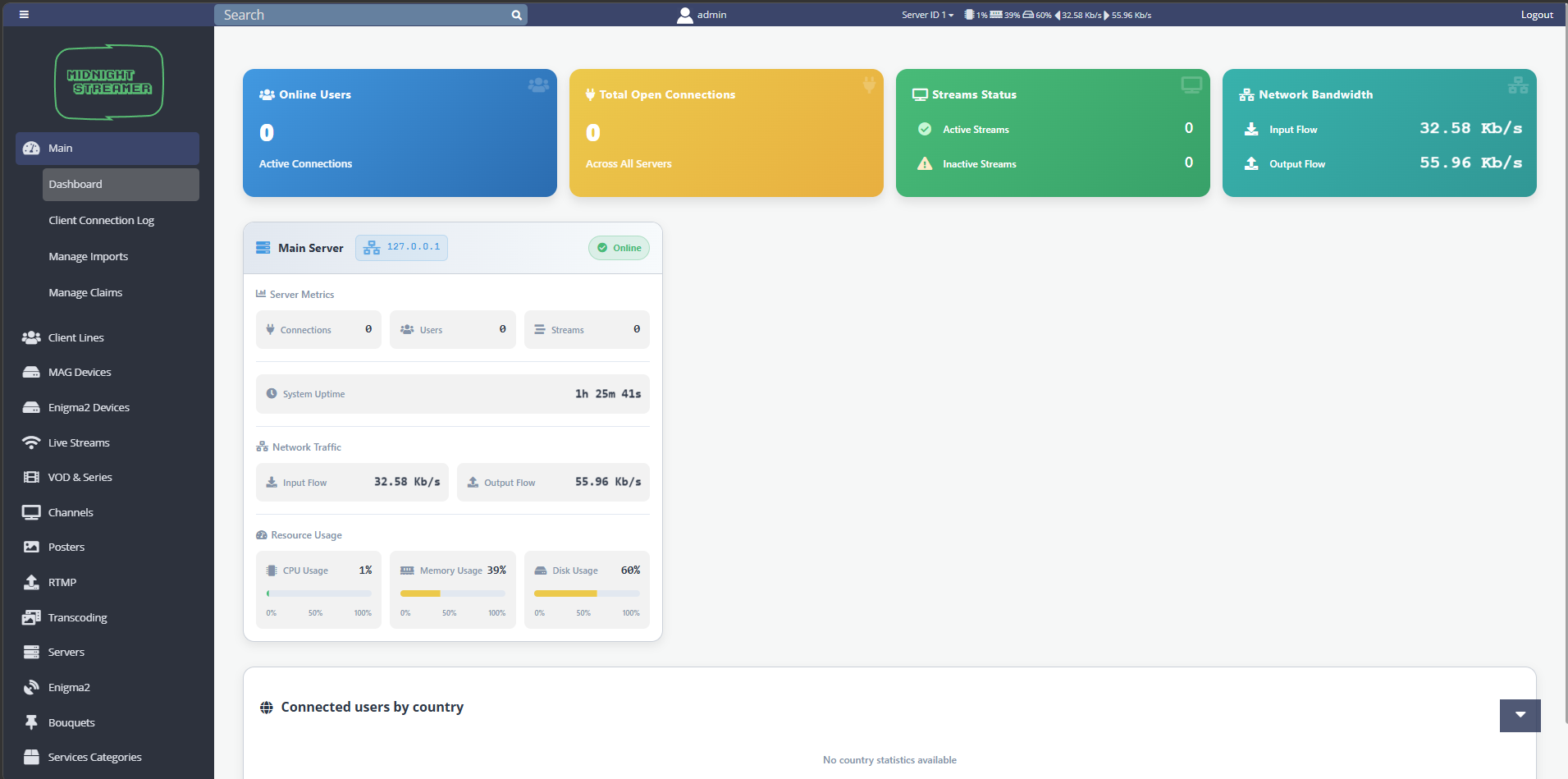
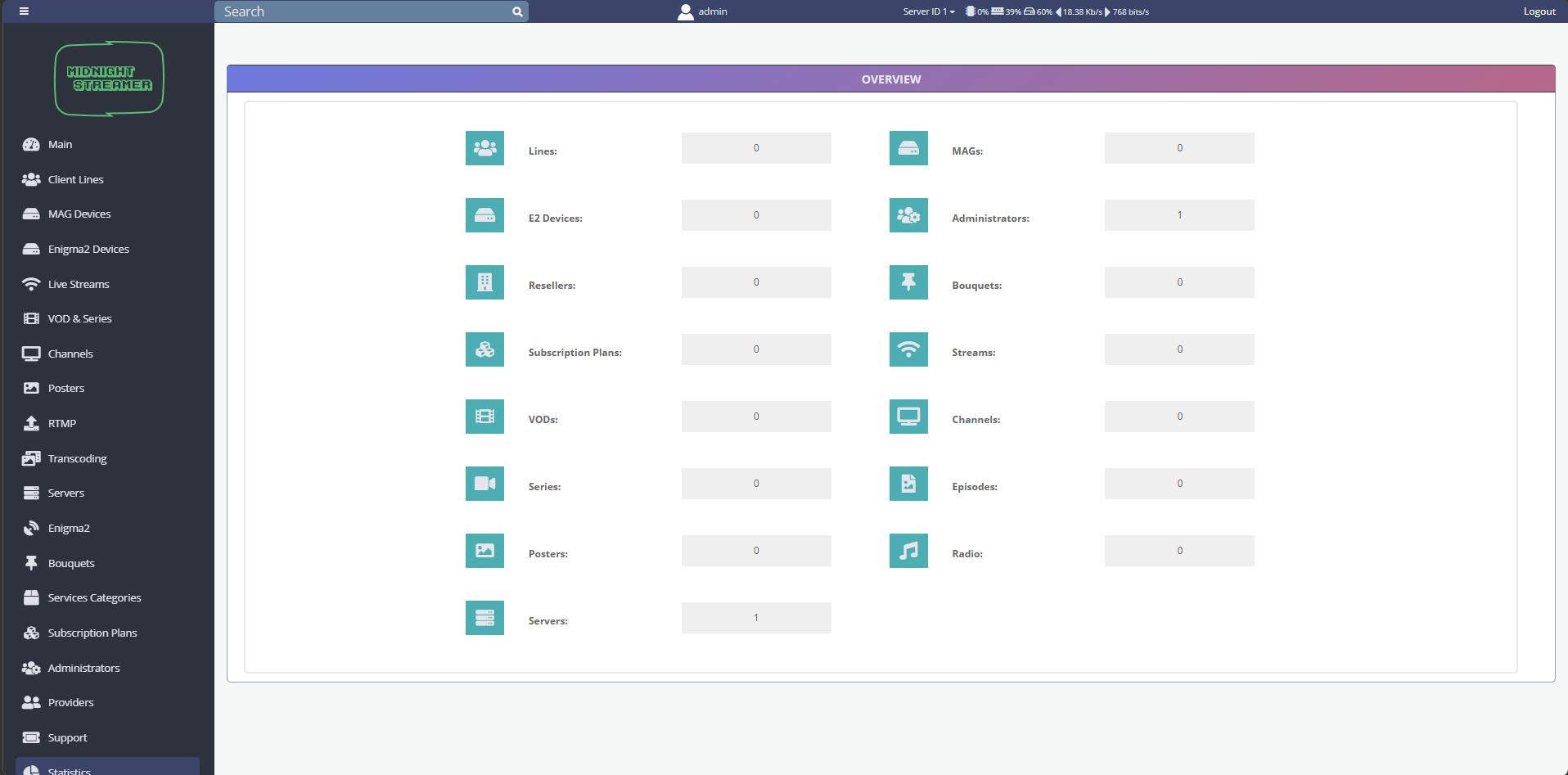
🌐 Access the Web Panel
Open your browser and go to:
http://YOUR_SERVER_IP:8000/admin
Login credentials:
Username: admin
Password: iptv
🚀 Ready to Stream
Your server is now ready to:
- Process live streams
- Deliver content in multiple formats
- Handle high traffic IPTV workloads