O11 V4 Ott Streamer Install
Description: Install O11 v4 OTT Streamer on Ubuntu using this complete DRM panel setup guide.
🚀 How to Install O11 v4 OTT Streamer (Full DRM Panel Setup Guide)
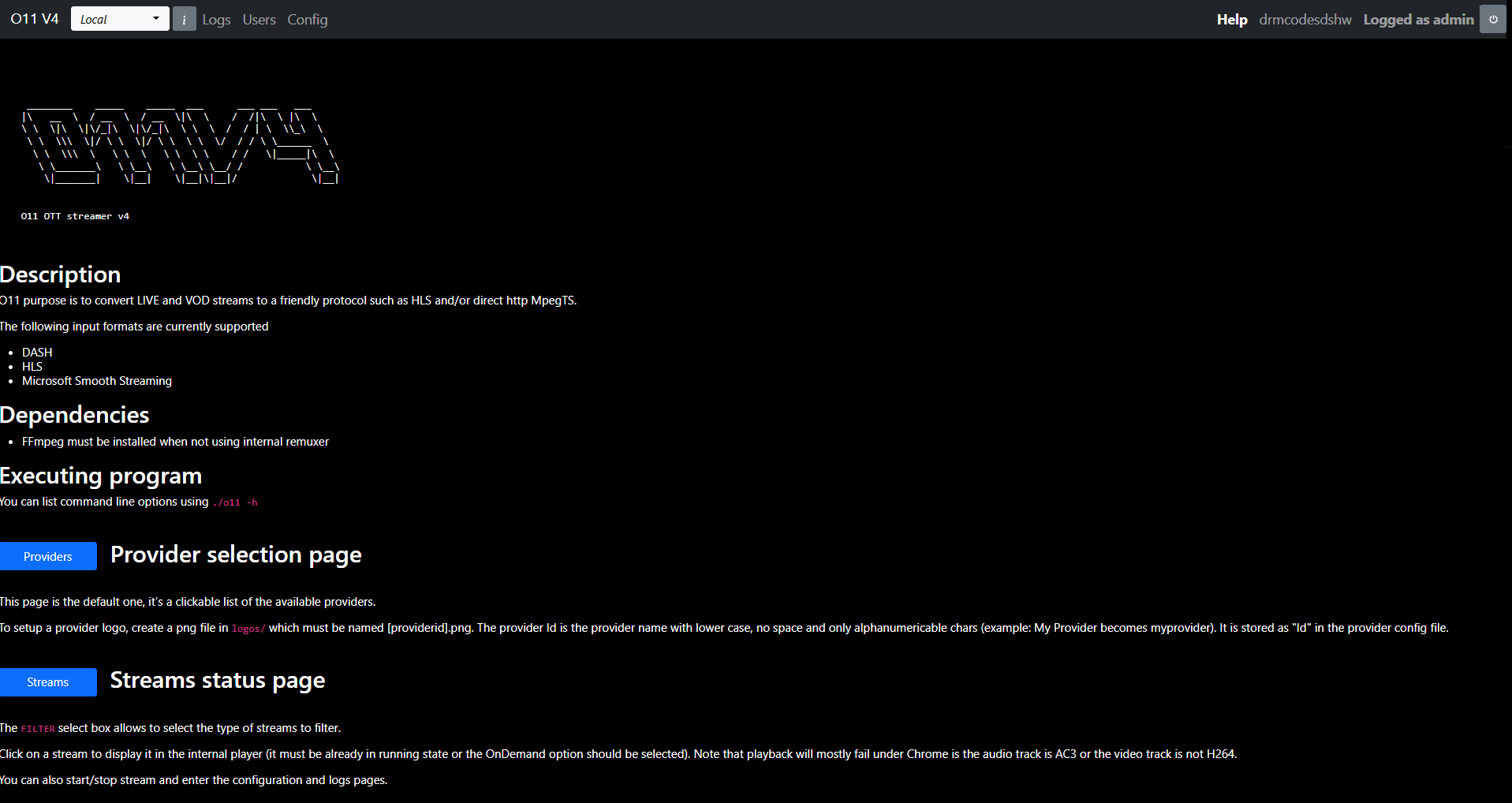
📘 What Is O11 v4 OTT Streamer?
O11 v4 is a professional DRM streaming platform for IPTV and OTT providers. It supports decrypted multi-DRM workflows and allows you to manage encrypted streams at scale.
It includes tools for:
- Widevine, PlayReady and Verimatrix DRM
- Token automation
- Monitoring and analytics
- Multi-server scaling
- Stream remuxing and DVR scheduling
🔧 Recommended Server Configuration
- CPU: Intel Xeon or AMD Ryzen (4+ cores)
- RAM: Minimum 8 GB, 16 GB recommended
- Storage: 100 GB SSD or NVMe
- Network: 1 Gbps dedicated port
- OS: Ubuntu 20.04, 22.04 or 24.04 (clean only)
🔐 Premium Required The download links and installation commands are visible only to Premium members. You are currently browsing as a free user. ✨ Upgrade to Premium to unlock full access instantly.
⚙️ Key Features of O11 v4
- Multi-DRM integration
- Token automation (API/CDM)
- Real-time monitoring dashboard
- Geo-unblock and proxy tools
- Stream start, stop, remux and DVR tasks
- VOD and Live playlist management
- Multi-server ready
- Output profiles for HLS, UDP, SRT and more
- User and role management
🛠️ Installation Instructions
Follow these steps to install O11 v4 OTT Streamer on your server.