MidnightStreamer Pro v5.2.8 – Installation
Install MidnightStreamer Pro v5.2.8 Offline on Ubuntu 20.04 using a single command. Complete setup guide with server requirements and access details.

🖥️ MidnightStreamer Pro v5.2.8 – Installation Guide
This guide explains how to install MidnightStreamer Pro v5.2.8 on a clean Ubuntu 20.04 server. The installer works without external licensing servers and sets up everything automatically.
🖥️ Minimum Recommended Server Configuration
- CPU: Intel Xeon or AMD Ryzen with 6+ cores
- RAM: 16 GB DDR4 minimum, 32 GB recommended for transcoding
- Storage: SSD or NVMe with at least 480 GB
- Network: Dedicated 1 Gbps port
- OS: Ubuntu 20.04 LTS (fresh installation)
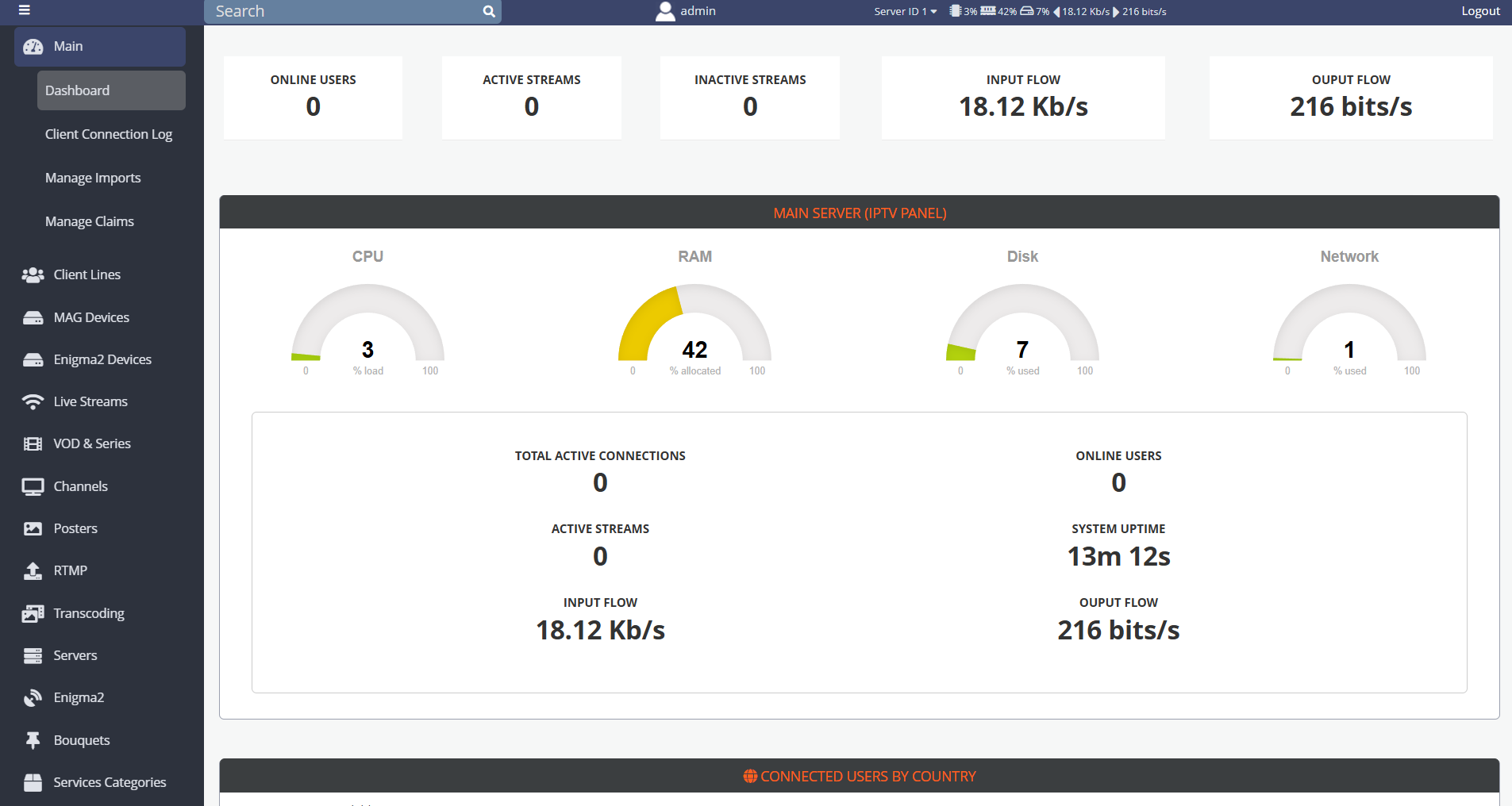
📦 Step 1: Download and Install MidnightStreamer Pro
Run this single command to download and install the offline version:
curl -s https://valut.iptvtools.io/MidnightStreamer/ms_install_5.2.8.tar.gz -o ms_install_5.2.8.tar.gz && curl -s https://valut.iptvtools.io/MidnightStreamer/ms_install_offline.sh | bash
The script installs all dependencies, configures the panel and applies the offline license.
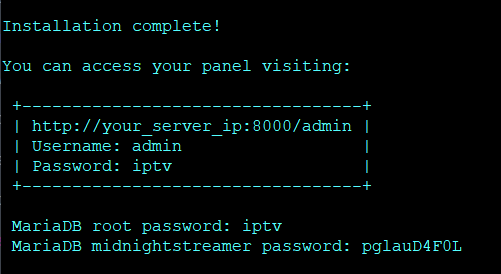
✅ Installation Result
At the end of installation you will see:
Installation complete!

You can access your panel visiting:

 +----------------------------------+
 | http://your_server_ip:8000/admin |
 | Username: admin                  |
 | Password: iptv                   |
 +----------------------------------+

 MariaDB root password: iptv
 MariaDB midnightstreamer password: pglauD4F0L
Your MidnightStreamer Pro v5.2.8 installation is now ready for use.