XCIPTV Player 1001 Rebranded
Learn how to install, configure and fully rebrand XCIPTV Player 1001 using OnePanel and APK Editor Studio with custom DNS and API settings.
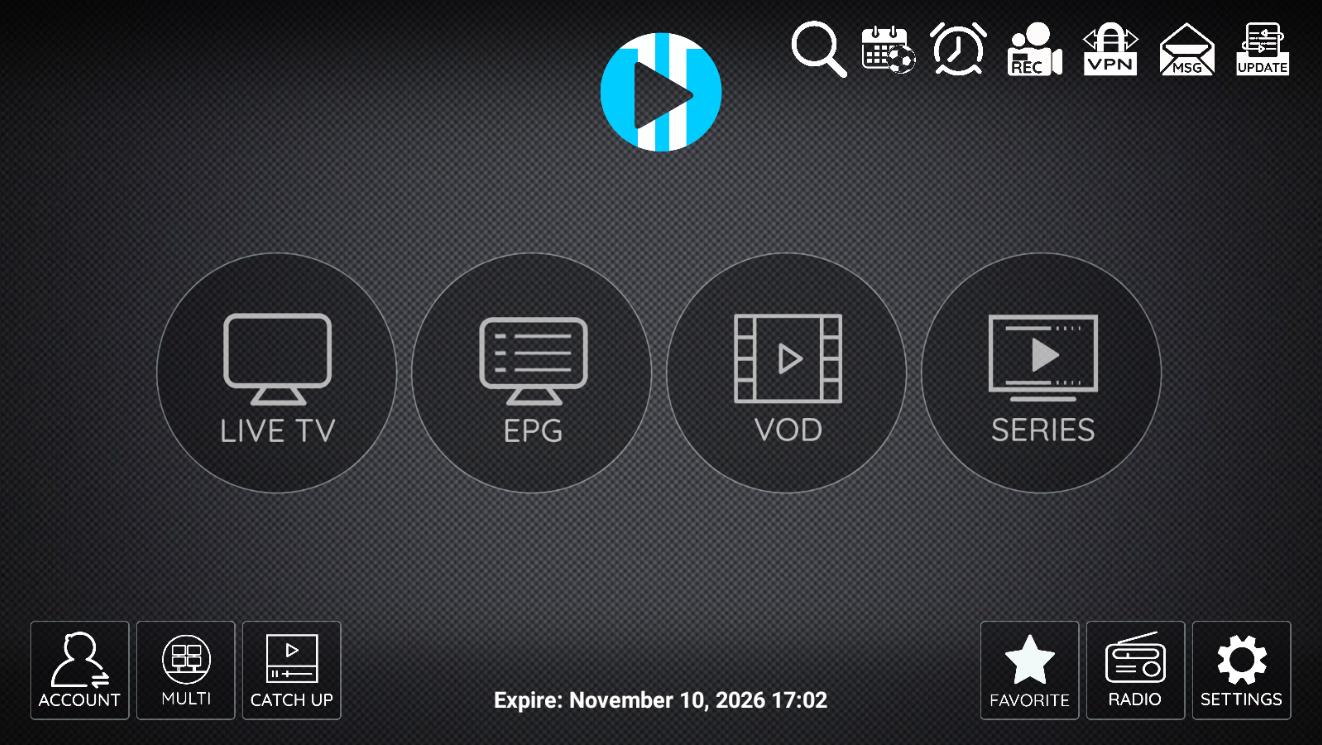
⭐ XCIPTV Player 1001 – Complete Installation & Rebranding Guide

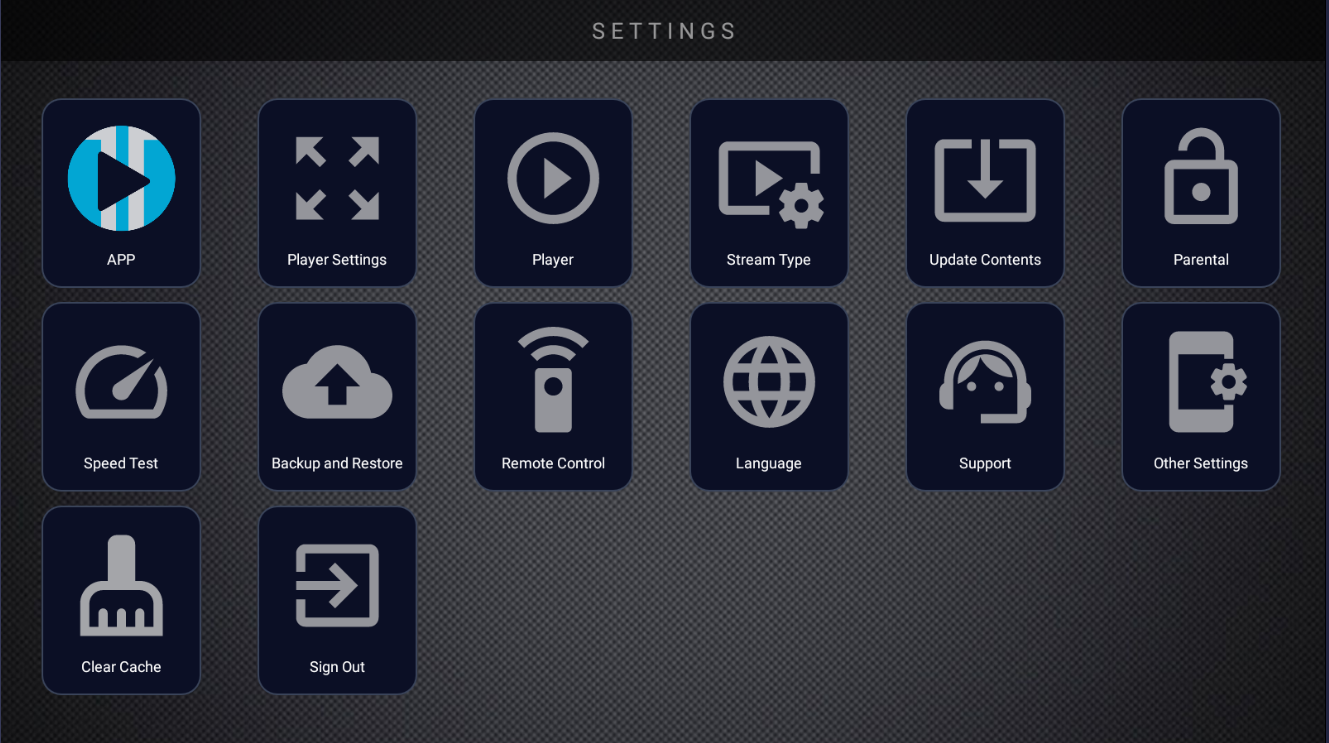
🎥 XCIPTV Player 1001 – Overview
XCIPTV Player (version code 1001, version name 7.0, Target SDK 34) is a fast, stable and highly customizable IPTV application for Android TV, STB, phones and tablets.
This solution includes two essential components:
- 🛠️ A dedicated OnePanel IPTV management panel
- 📦 A pre-prepared XCIPTV APK ready for rebranding
This guide covers installation, DNS setup, APK decompiling, smali editing, recompiling and branding.
🖥️ OnePanel – IPTV Management Panel
OnePanel is a complete IPTV dashboard for DNS, branding and app configuration.
⚡ Features
- 📂 SQLite local database
- 🌍 DNS management (Add, Edit, Delete)
- 🎨 XCIPTV customization module
- 🖌️ Multiple themes (Standard, Theme 1, 2, 3)
- 📱 Multi-application support (XCIPTV, Smarters, Tivimate, Purple)
- 🧭 Modern Material Design dashboard
- 🔗 JSON API endpoints
🧩 System Requirements
- PHP 7.4+ (recommended 8.0+)
- SQLite3 enabled
- PDO SQLite extension
- ~10 MB database storage
- Write permissions enabled
🏗️ Step 1: Hosting Requirements
We recommend cPanel hosting for best compatibility and easy file management.
Any hosting panel works, but cPanel is ideal.
📥 Step 2: Install OnePanel
Example domain: "http://apps.iptvtools.io"
Download OnePanel:
Upload the ZIP to your hosting root and extract it. You will get a folder:
/onepanel
Installation URL:
http://example.io/onepanel/install.php
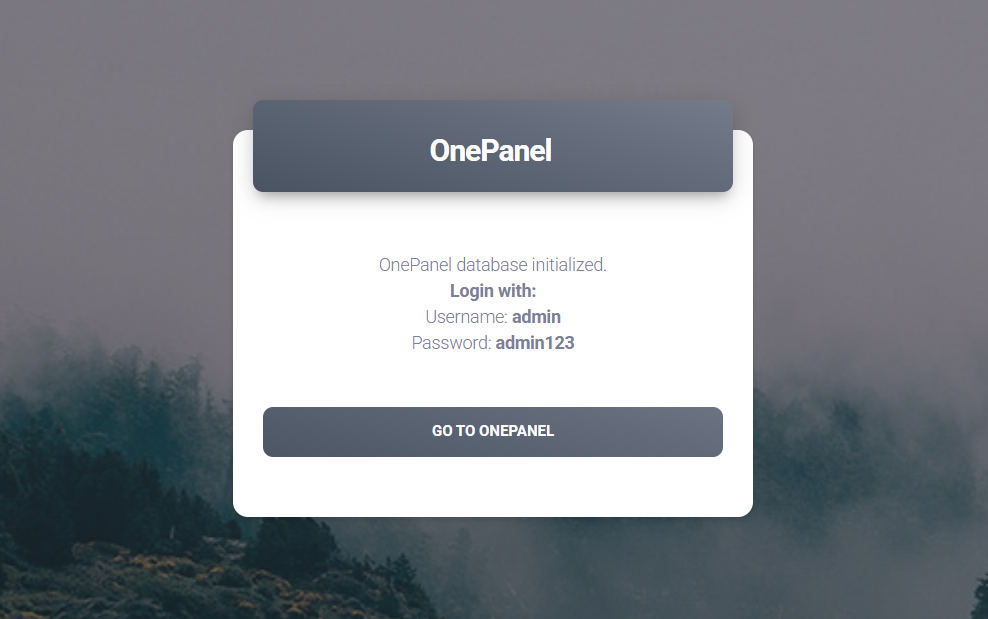
You will see:
OnePanel database initialized.
Username: admin
Password: admin123
Click GO TO ONEPANEL.
🌐 Step 3: Add DNS in OnePanel
Click ADD New and enter:
- DNS Name
- DNS Server URL
Example M3U:
http://cdns.iptvtools.io:80/playlist/test/12345/m3u
DNS:
http://cdns.iptvtools.io:80
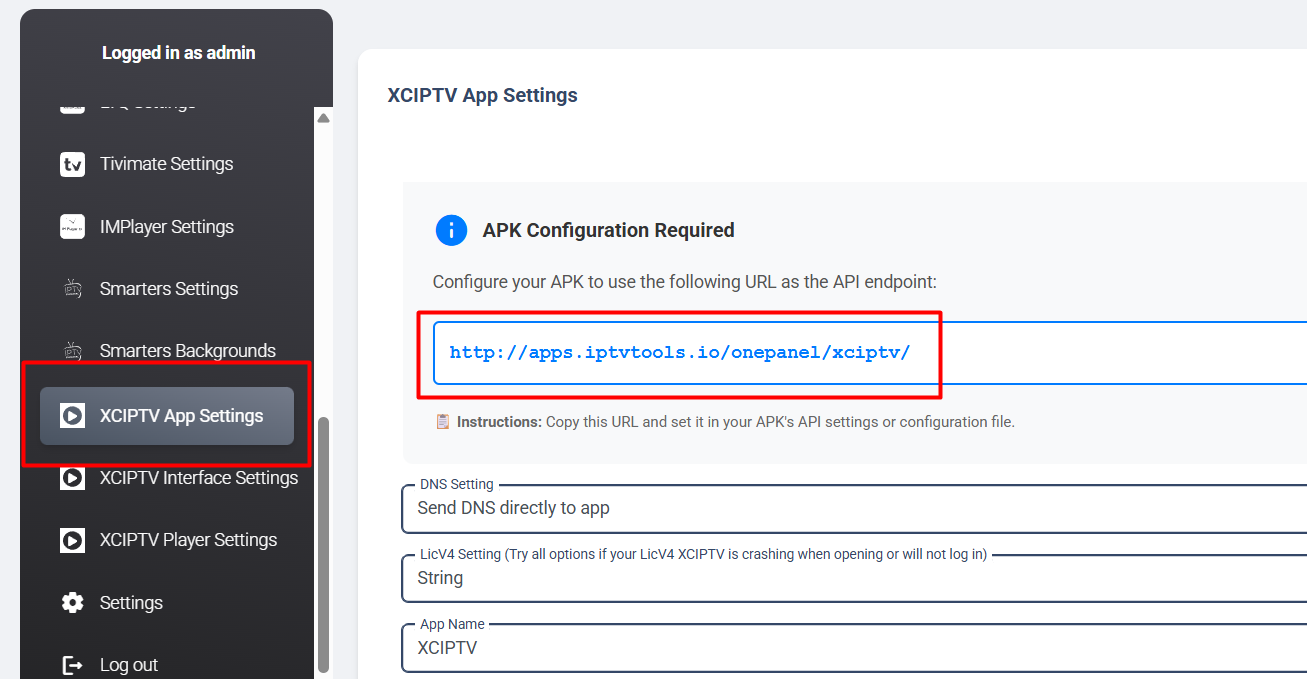
🔑 Step 4: Get XCIPTV API Endpoint
Open XCIPTV App Settings in OnePanel and copy the API Endpoint.
🧰 Step 5: Install APK Editor Studio
Download:


Recommended version: APK Editor Studio v1.7.2 (requires Java)
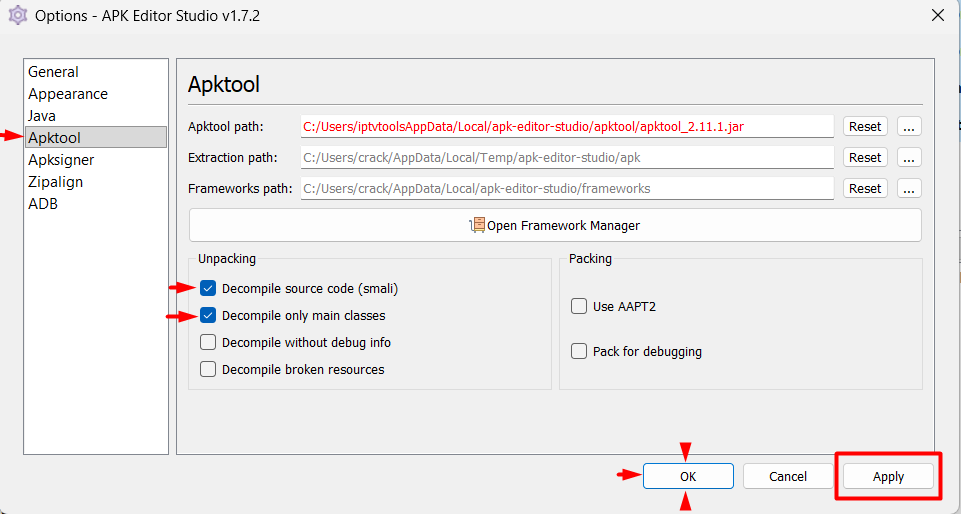
⚙️ Settings
- apktool 2.11.1
- Enable Decompile source code (smali)
- Enable Decompile only main classes
Apply and OK.
📦 Step 6: Download XCIPTV APK Rebranded
Download APK: