IPTV Smarters Pro 4.0.5 Rebranded
Install, configure and fully rebrand IPTV Smarters Pro 4.0.5 using cPanel hosting, APK Editor Studio and custom panel integration.
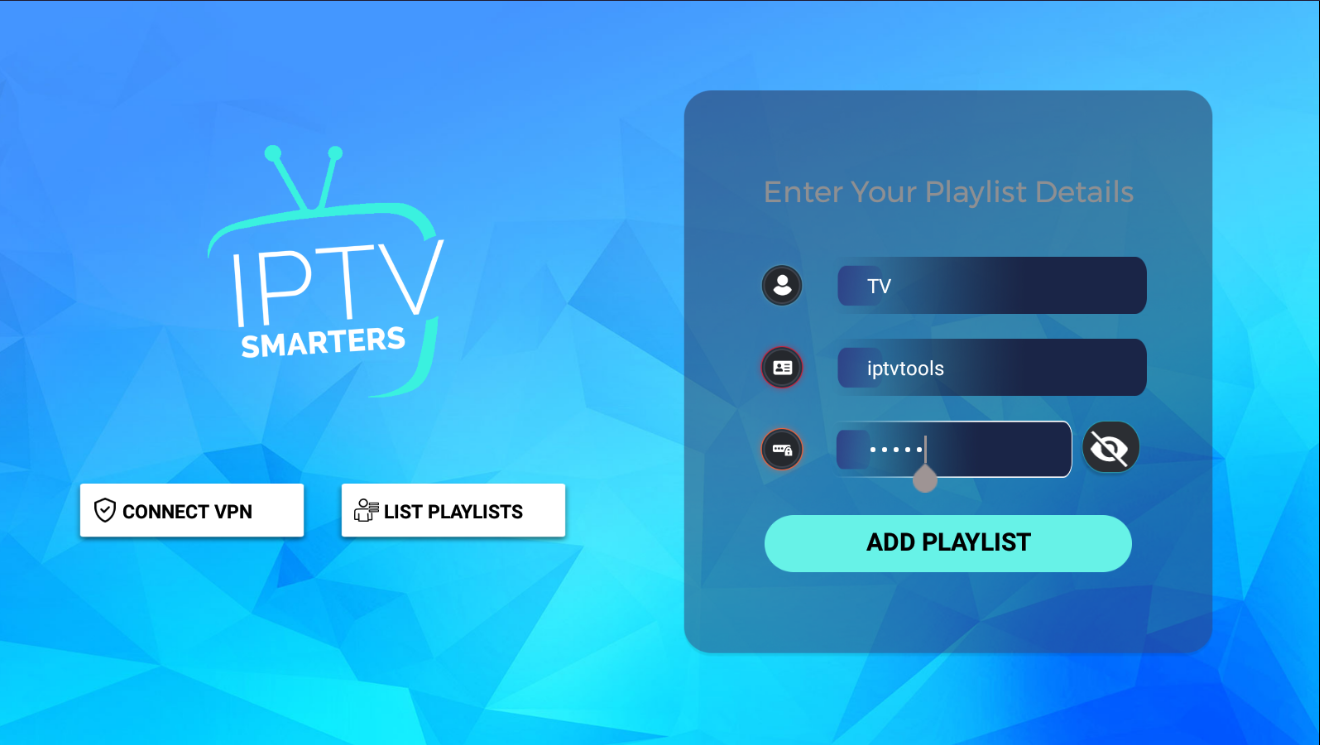
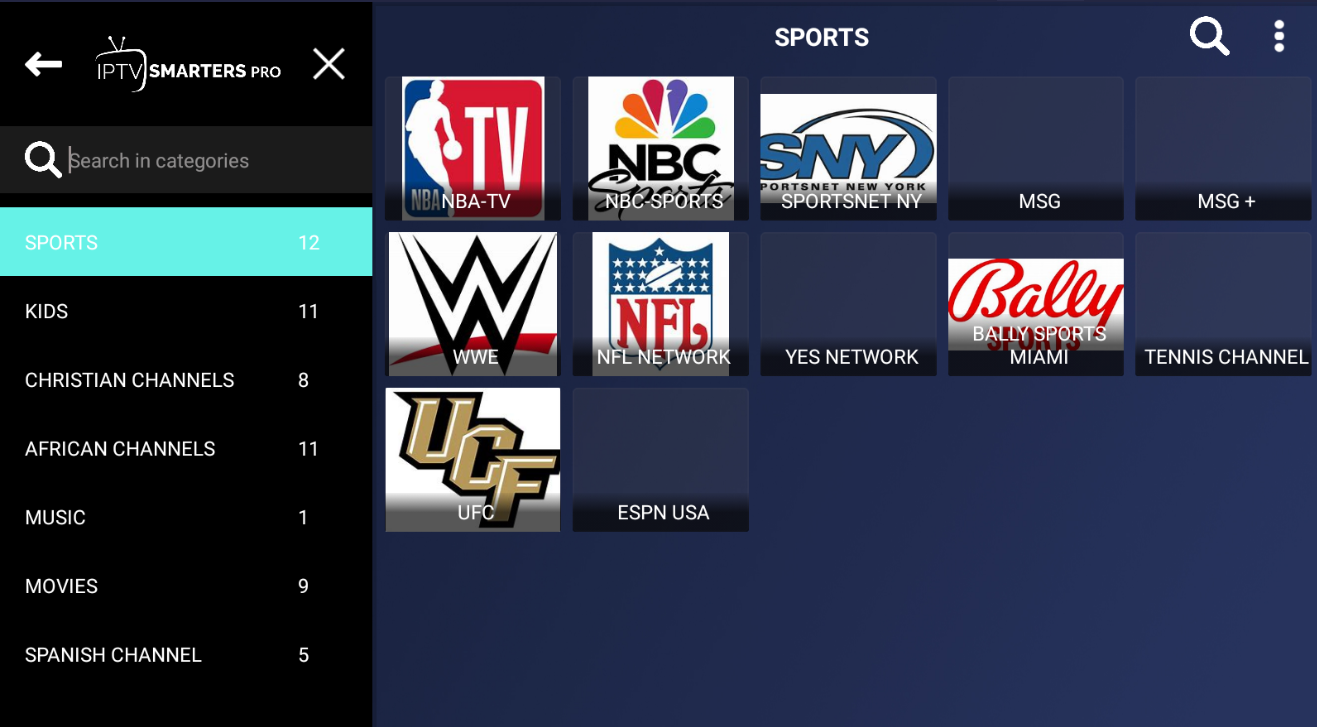
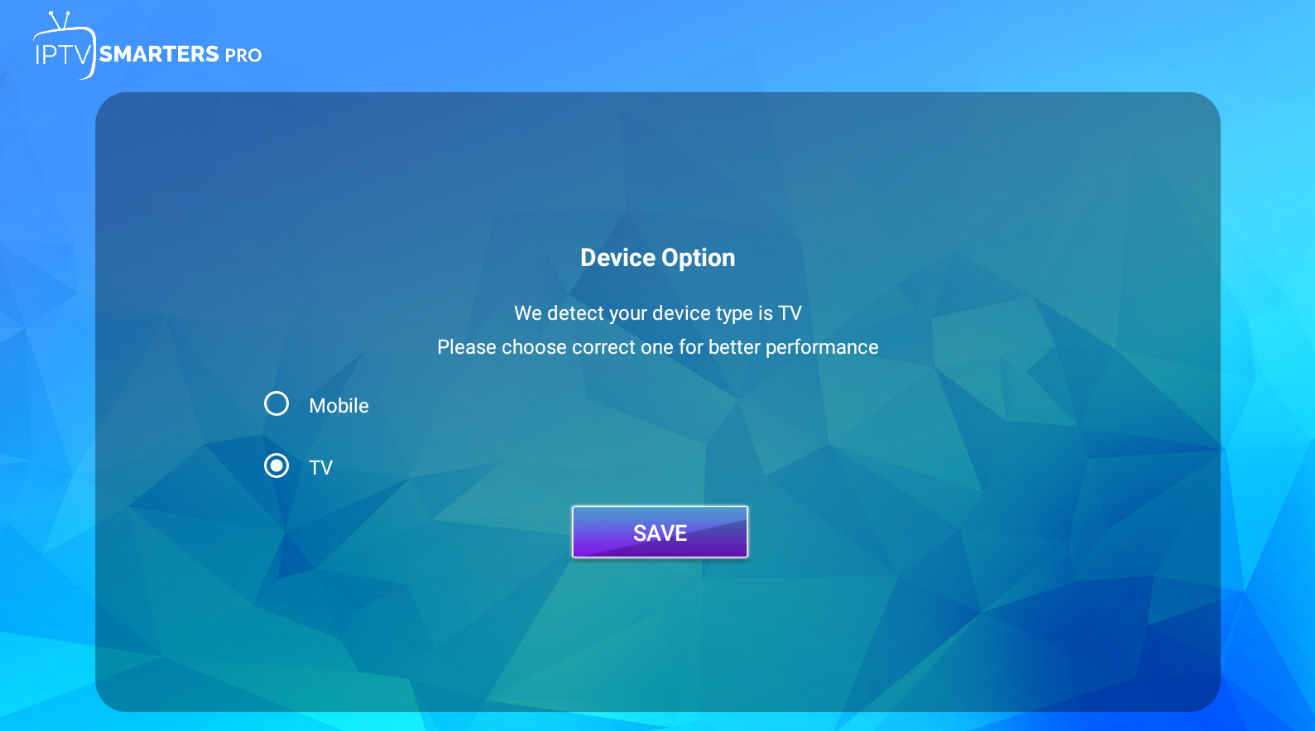
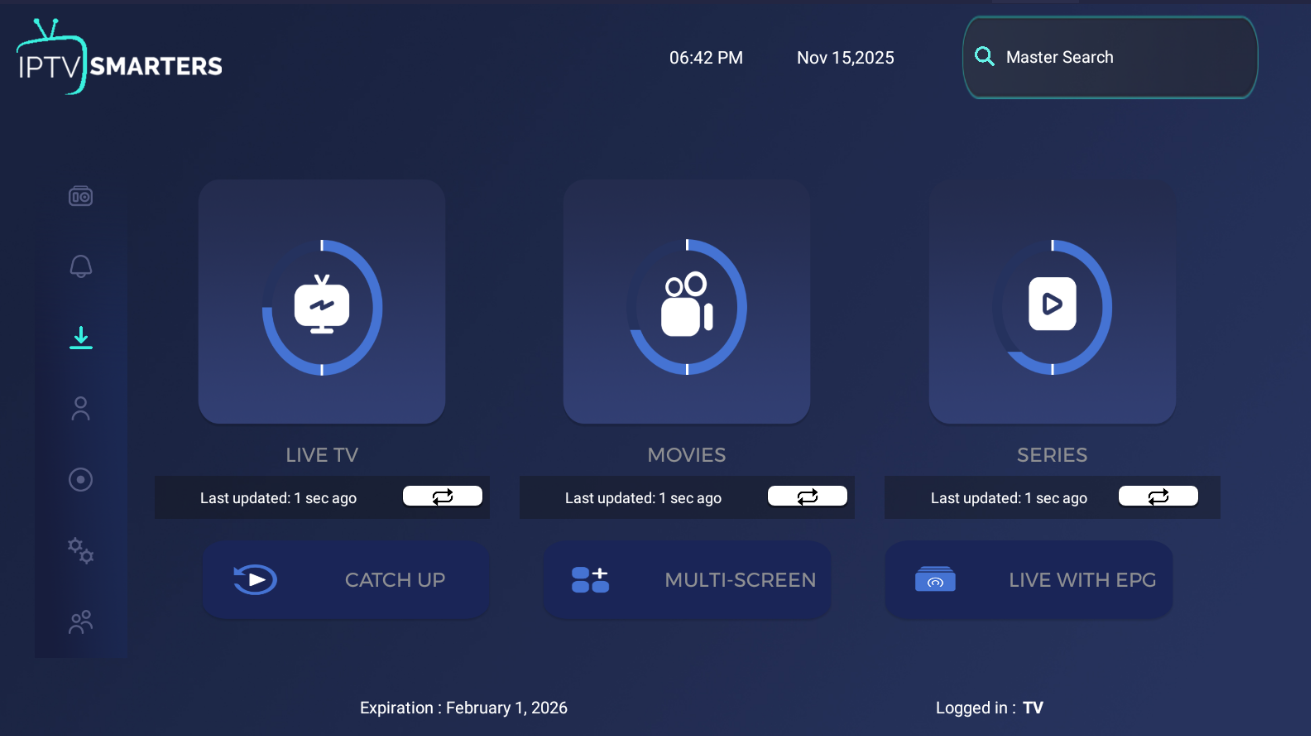
IPTV Smarters Pro 4.0.5 Installation and Rebranding Tutorial
IPTV Smarters Pro 4.0.5 is one of the most popular IPTV applications used by IPTV service providers. A fully rebranded app gives your company its own identity, logo, colors and DNS settings, delivering a strong and professional experience to your customers.
This guide shows you how to install the management panel, configure the portal URL, decompile the APK, edit smali code, compile and prepare your first complete rebranded IPTV Smarters Pro application.
Step 1: Hosting Requirements
You need a hosting environment with an easy-to-use control panel. We strongly recommend cPanel because it is reliable, fast and includes all essential PHP and file management extensions required by IPTV web applications.
Any hosting panel works, but cPanel is the ideal choice.
Step 2: Download the IPTV Smarters Management Panel
The rebranded IPTV Smarters Pro package contains two parts:
- The APK application
- The dedicated management panel
Download the panel from here:
Upload smarters.zip to your hosting and extract it.
Example reference domain:
http://example.io
Extract the ZIP file into the root of your subdomain.
Access the panel in a browser and log in:
- Username: admin
- Password: admin
Change these credentials immediately to keep your system secure.