StreamBox IPTV Source Code
Learn how to install, configure and fully rebrand StreamBox IPTV Player with unlimited licensing, full source code and advanced features.
⭐ StreamBox IPTV Player – Complete Installation & Rebranding Guide
🎥 What Is StreamBox IPTV Player?
StreamBox is a modern IPIV IPTV Player designed to support all major streaming formats, including HLS, m3u8, TS, MP4, MKV, MOV, AVI and full Xtream Codes compatibility.
It works flawlessly with:
- Xtream Codes (all versions)
- XUI.one 1.5.5, 1.5.12, 1.5.13
- 1-Stream
StreamBox includes a powerful built-in video player optimized for live TV, movies and series. It is extremely easy to configure and ideal for companies that want:
- Full branding
- Strong UI/UX
- Stable Android performance
- High-quality streaming support
⚠️ Disclaimer: No channels are included. Developers are not responsible for any uploaded content.
🚀 StreamBox Features Overview
- ✔️ Supports Android Mobile, Tablet, TV, BOX, Chromebook, Firestick, Auto
- ✔️ Live TV, Movies, Series & Radio
- ✔️ Modern Material Design UI
- ✔️ Continue Watching support
- ✔️ Multi-screens & Multi-users
- ✔️ Powerful built-in Video Player
- ✔️ Brightness & Volume gestures
- ✔️ End-to-End encrypted data
- ✔️ Screenshot Block On/Off
- ✔️ RTL support
- ✔️ OneSignal Push Notifications
- ✔️ Firebase Analytics & Messaging
- ✔️ AdMob support (Banner, Interstitial, Reward)
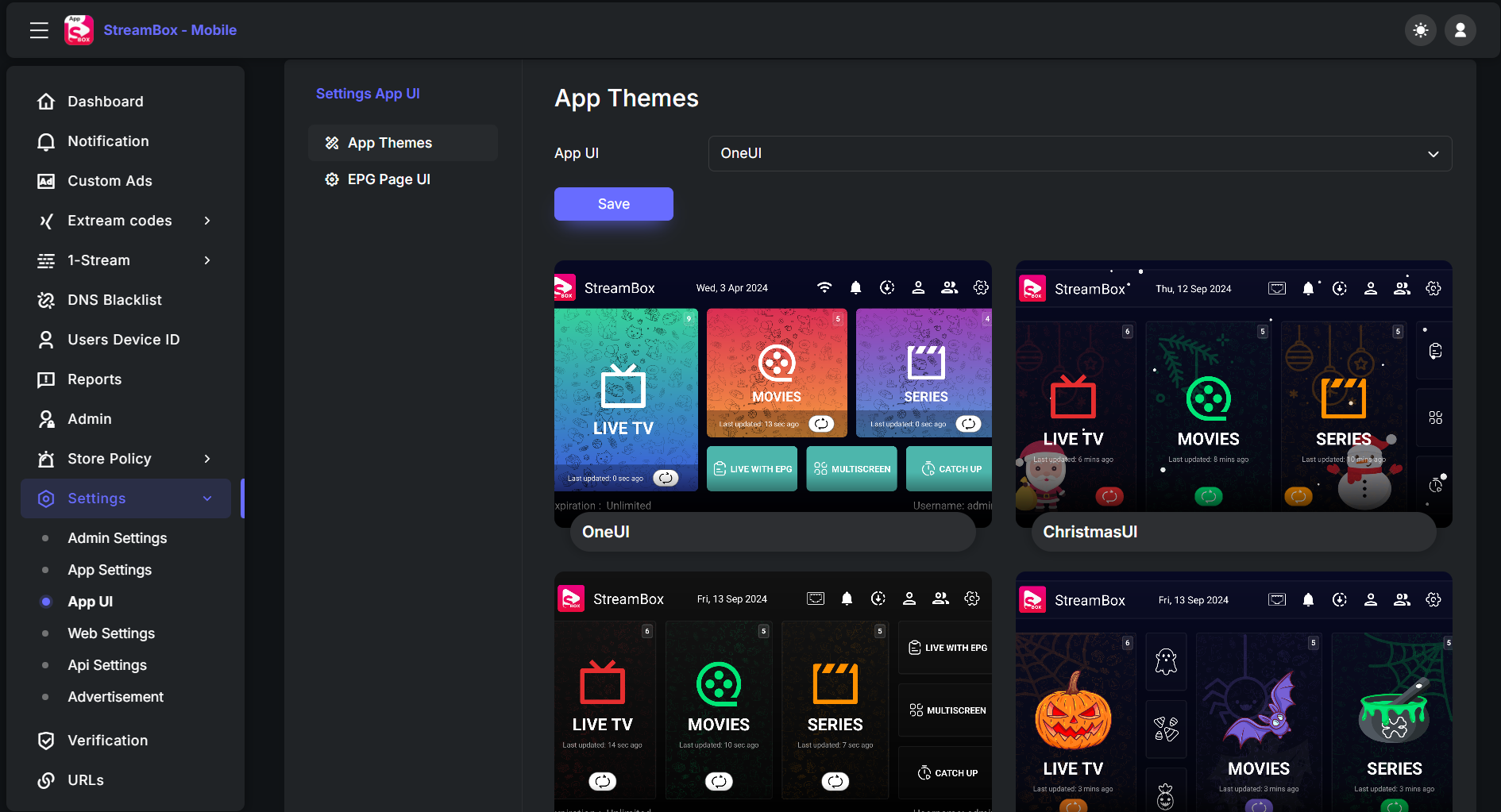
- ✔️ Multiple Themes
- ✔️ Clear Cache option
- ✔️ CatchUp
- ✔️ Unlimited DNS ON/OFF
- ✔️ Scroll to Load More for Live, Movies, Series
- ✔️ Android TV Remote control support
- ✔️ Supported formats (YouTube, HLS, M3U8, TS, HTTP, MP4, AVI, MOV, MKV)
- ✔️ Download Manager with encryption
- ✔️ Adult Content Password Lock
- ✔️ App Maintenance Screen
- ✔️ Admin Panel full control
StreamBox is 100% recommended for complete rebranding, especially because it includes:
- Full Android Studio source code
- Unlimited customization
- Lifetime licensing
- Maximum flexibility for future updates
🏗️ Step 1: Install StreamBox Panel
You need hosting with cPanel or any panel you're comfortable with.
Download StreamBox panel:
Upload the ZIP to your hosting and extract it.
This creates a directory:
/streambox
Access in browser:
http://mydomain.com/streambox
The installer starts automatically.
🧪 Installation Wizard Steps
- The system checks required PHP extensions
Required version: PHP 7.4 – 8.3
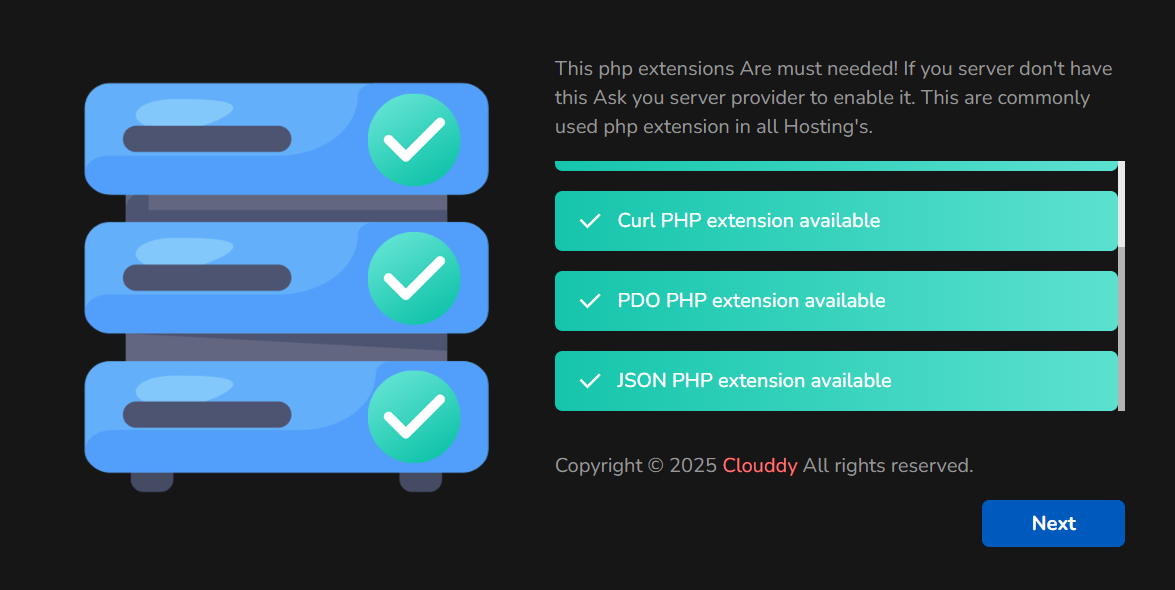
- Click Next
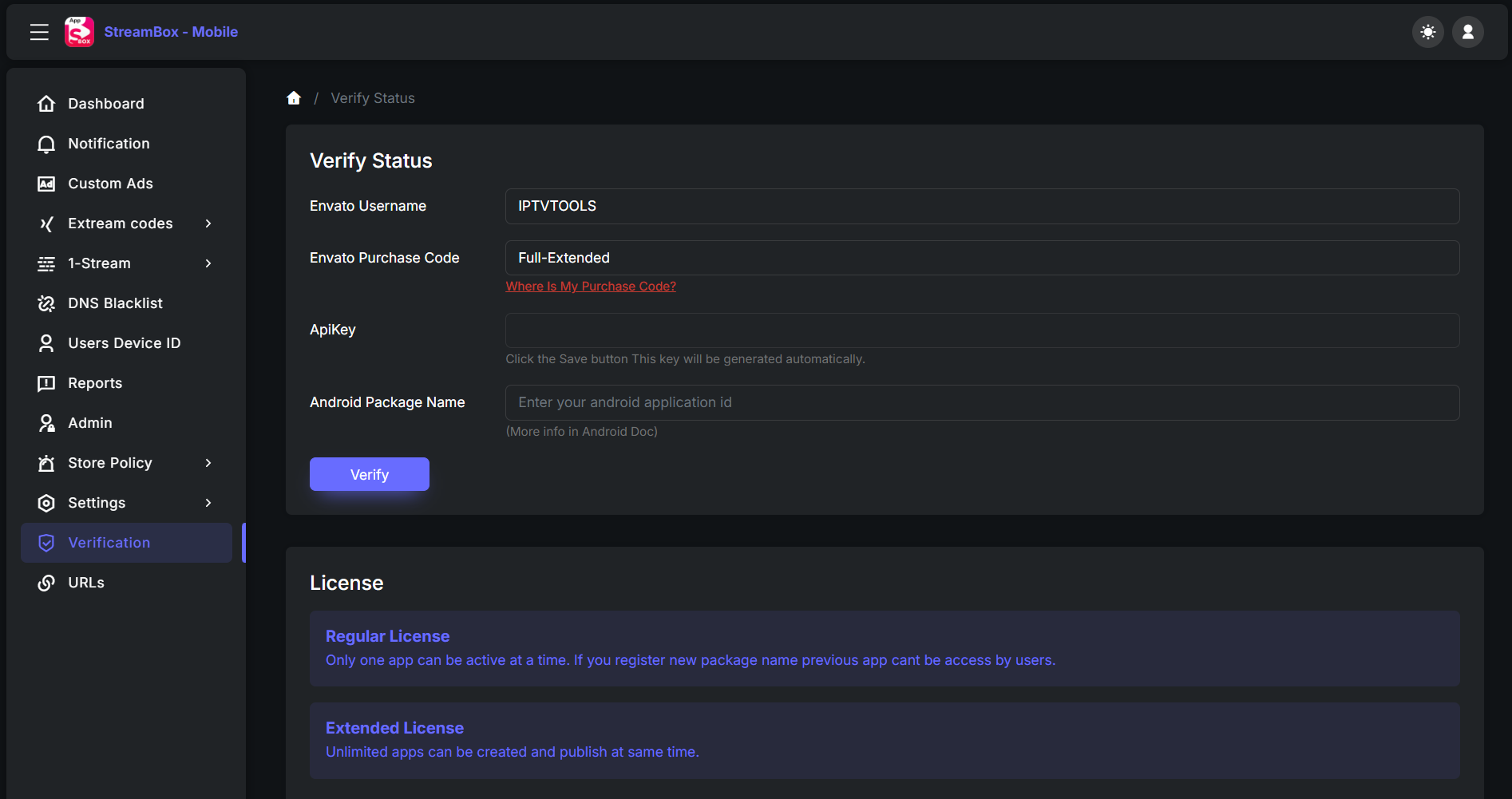
- Verify status: Full-Extended (unlimited licensing enabled)
- Enter database details
- You will see:
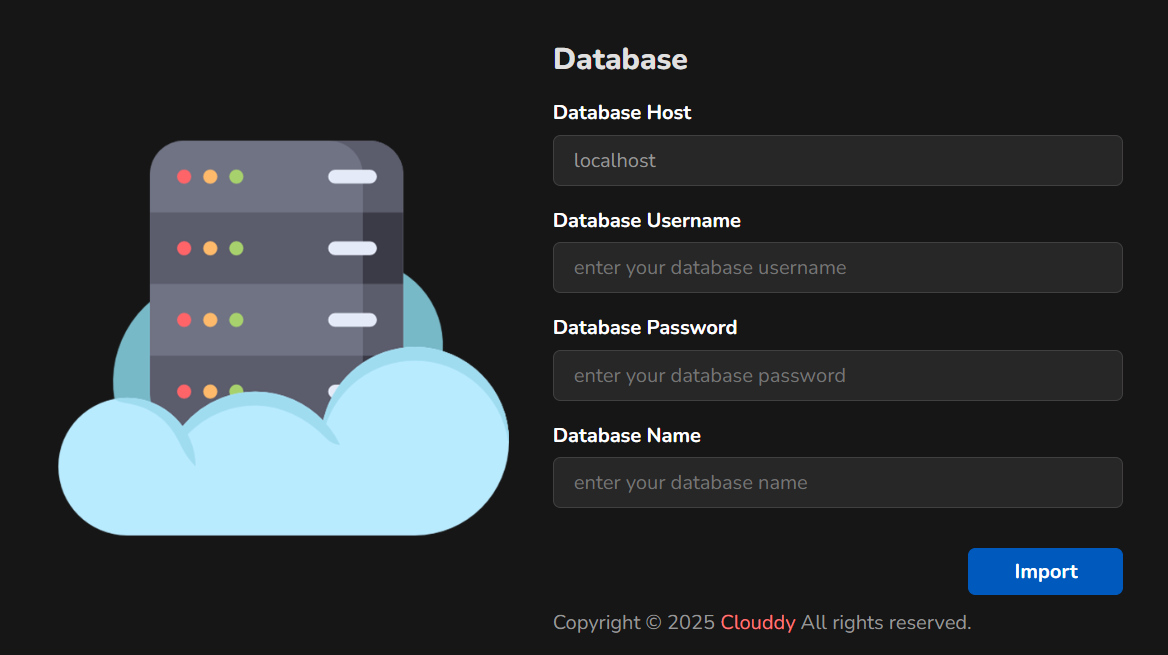
Database was successfully imported.
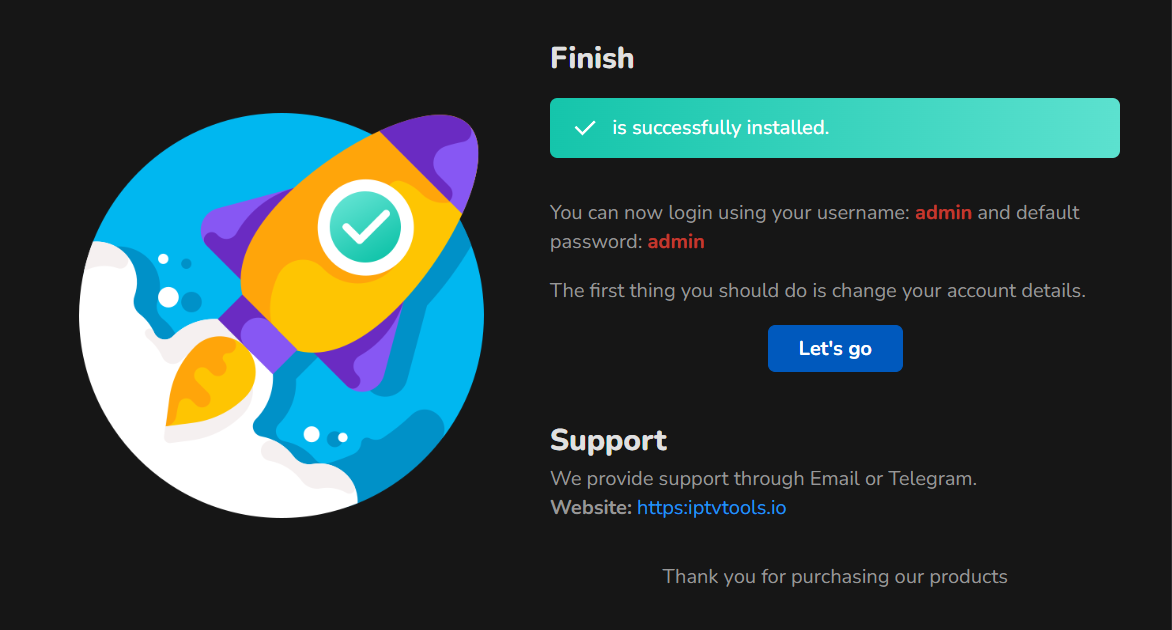
If you receive Finish + login details, the panel is ready.
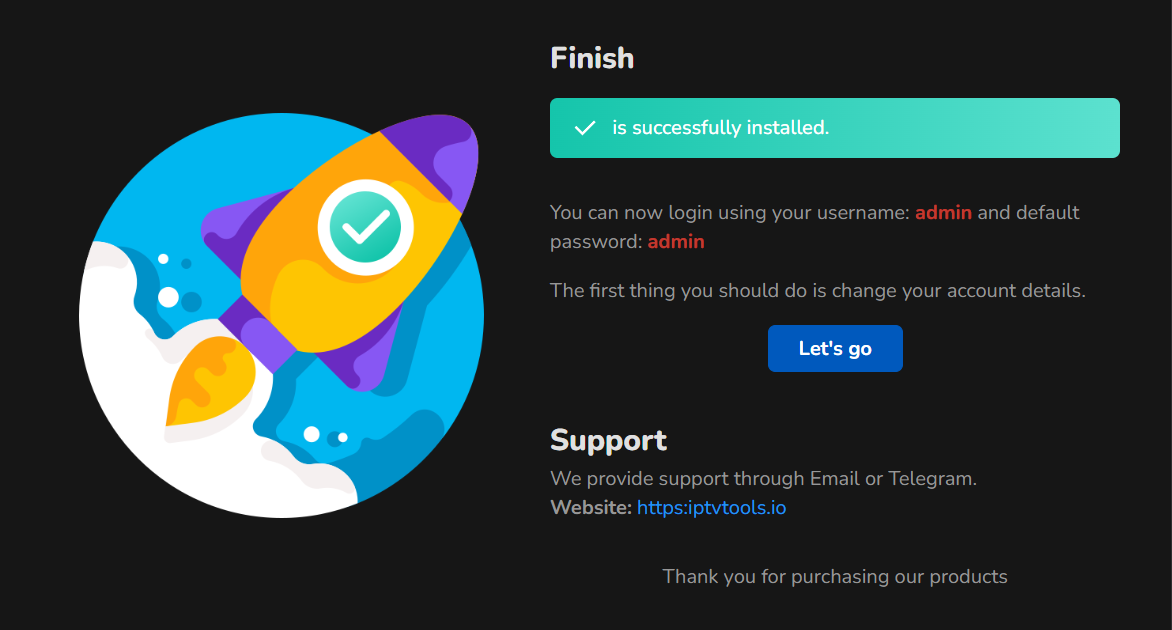
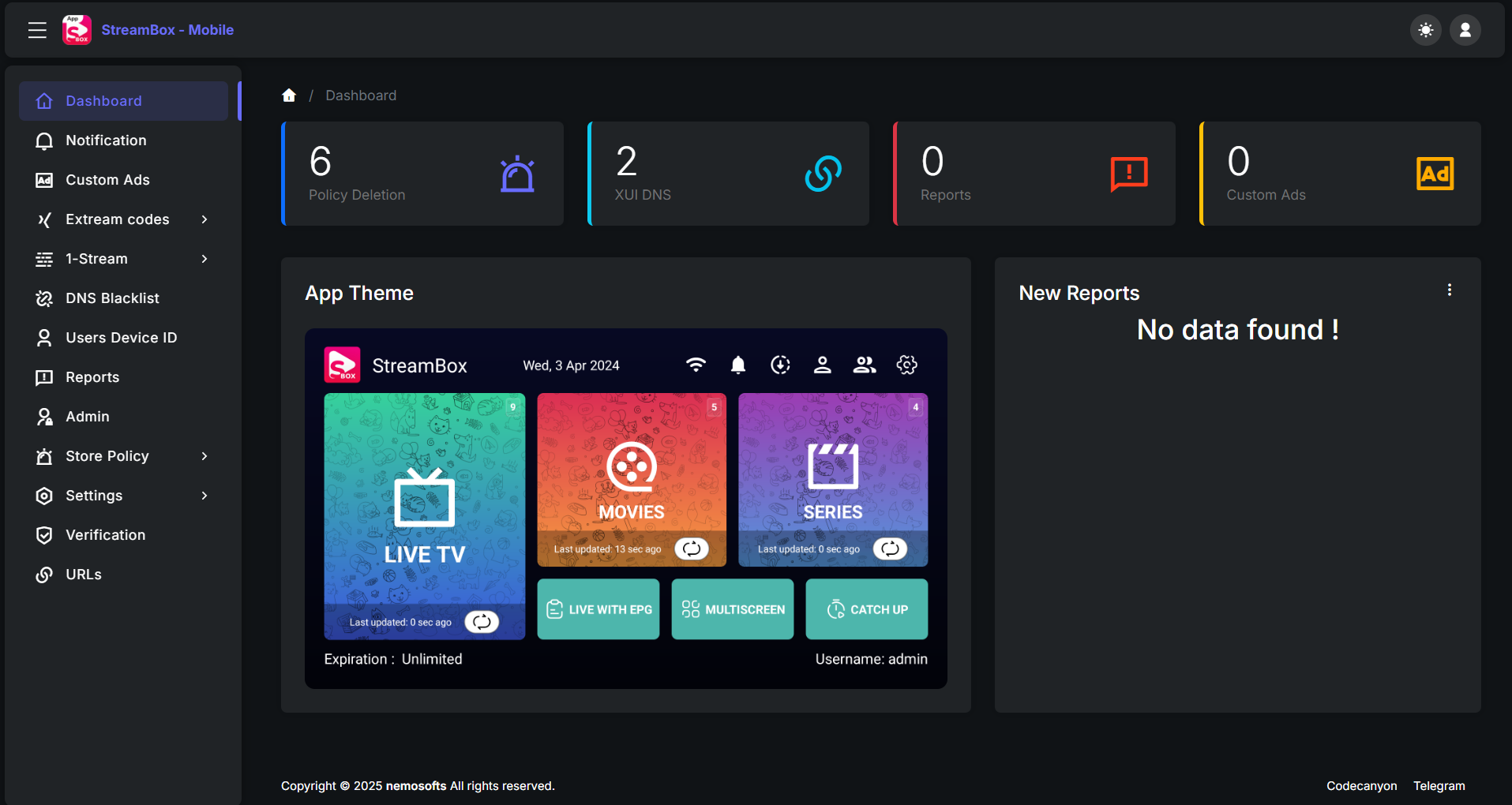
🌐 Step 2: Access the StreamBox Admin Panel
Use the provided admin credentials from the installer screen.
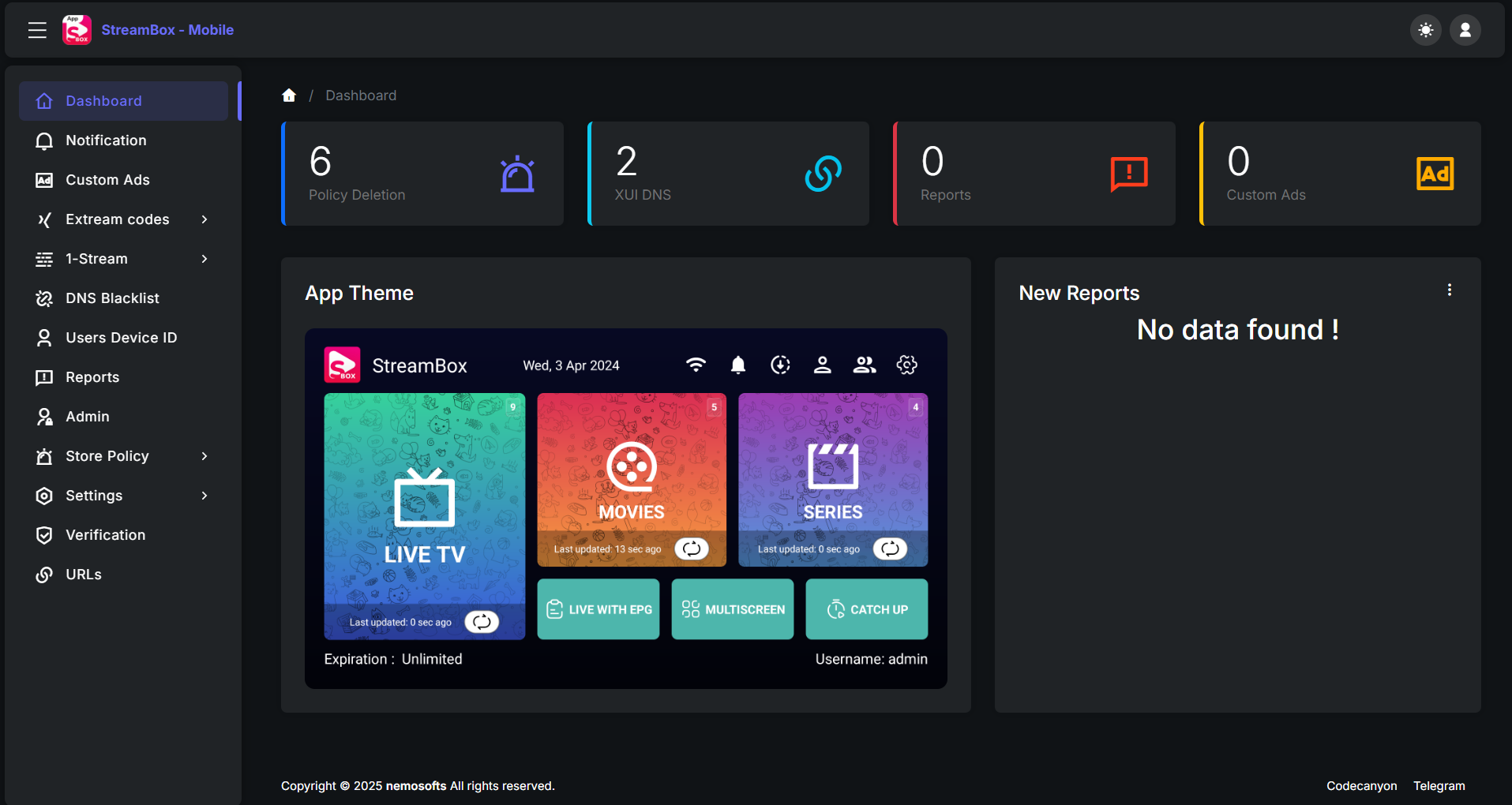
Inside the panel you can manage:
- DNS providers
- Themes
- API settings
- User restrictions
- App configuration
The panel allows unlimited licensing and full control.
📦 Step 3: Download StreamBox Source Code
Download the full Android Studio source project:
👉